Explore topical maps · Review the content workflow
Build around subjects you can explain credibly
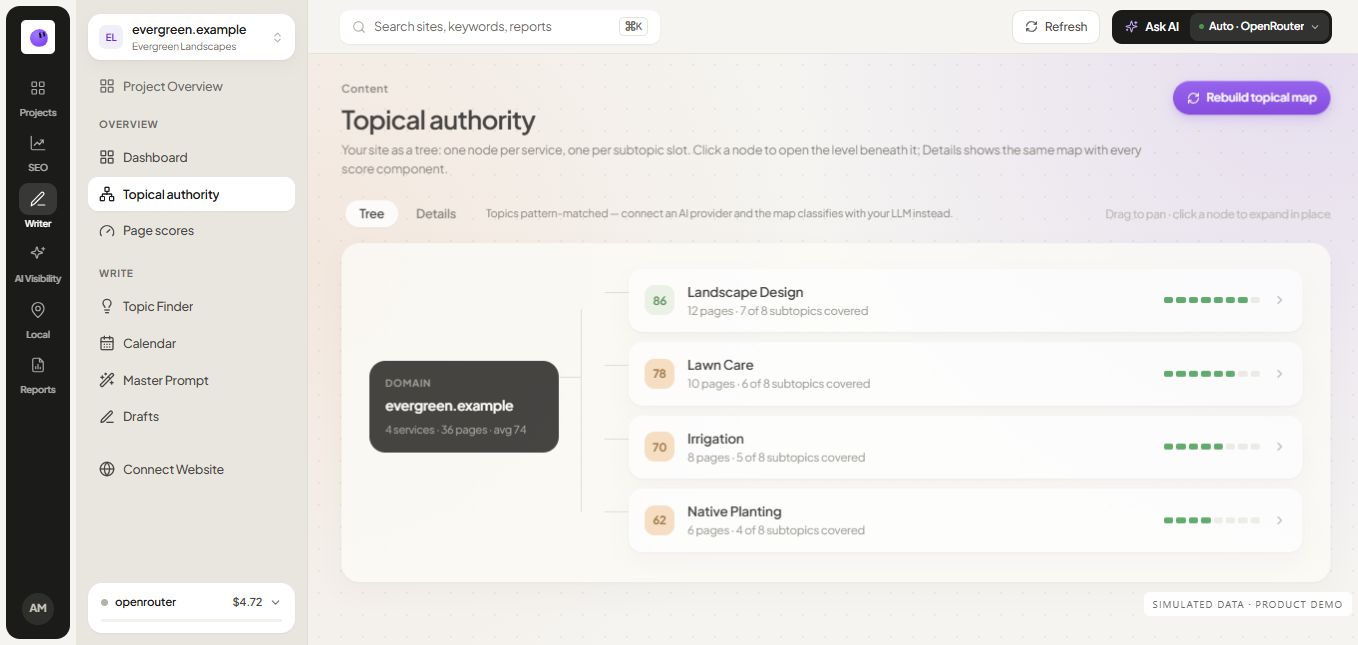
Start with the problems your product or service addresses. Each main subject should lead to questions your team can answer with useful detail, examples or evidence. A map built from relevant expertise is easier to turn into strong content than a list of unrelated search terms.
For example, an agency reporting cluster can connect a reporting guide, a monthly template, metric interpretation and a software comparison. Each page helps with a different decision while remaining part of the same subject.
Give every planned page a distinct purpose
Write one sentence describing the job of each page. If two descriptions are effectively the same, inspect whether the pages should be combined. Different keyword wording does not automatically justify a different article.
| Planned page | Distinct reader job |
|---|---|
| Reporting guide | Understand the reporting process |
| Report template | Create a reusable report |
| Metrics explanation | Interpret the measures correctly |
| Tool comparison | Choose software for the workflow |
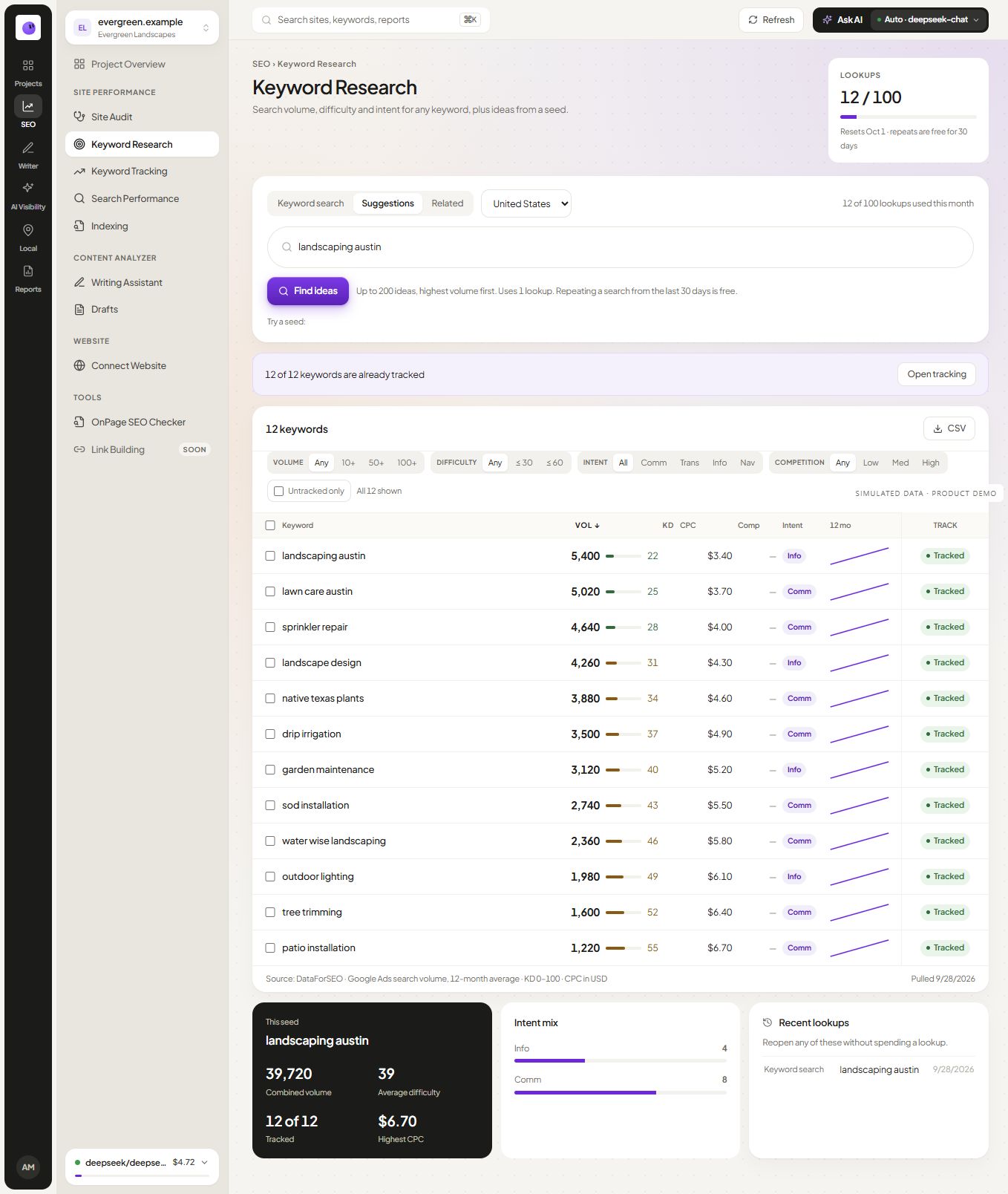
Use keyword research to inform those decisions, then confirm that the content can deliver what the query implies.
Connect existing pages before expanding
Review what the website already publishes. An existing page may need a stronger example, a useful download or a contextual link rather than replacement. Preserve useful URLs and build on the evidence they already contain.
Internal links should help a reader move to the next task. Link the guide to its worksheet, the worksheet to an interpretation guide, and the commercial page to a real example. The relationship should make sense without an SEO explanation.
Move selected topics into briefs
A topic map is a planning view. The content brief defines what the writer needs to produce: intended reader, answer, evidence, scope and links. Move only the selected topics into the calendar when the team can complete that work.
Do not treat topical coverage as a fixed article count. A cluster with useful, distinct pages can serve readers better than a much larger collection of repeated explanations.
A topic cluster is a set of related reader tasks
The central resource explains the subject broadly. Supporting pages answer distinct questions, supply a utility or help someone choose a solution. The internal links explain how those tasks connect; they should not merely repeat the same keyword.
For a reporting cluster, a guide can explain measurement, a template can supply the document and a comparison can help select software. A second template page with a swapped adjective is unlikely to add a new job. Map the existing URLs first and mark update, new page or consolidate as an editorial decision.
Keep a topic-coverage score separate from Google rankings or a claim of recognized expertise. Evidence, accuracy and reader usefulness still require review. The map is a planning aid, and a missing box is not an instruction to publish an unsupported article.
Questions about topic mapping
Does a topical map guarantee authority?
No. It organizes content decisions. The usefulness, accuracy and recognition of the published work determine whether readers regard the site as a reliable source.
Can I include existing pages?
Yes. Review existing resources before planning new URLs. Improving an established page may be the most practical next step.
What makes a topic ready for production?
The reader need is clear, the page has a distinct role, the necessary evidence is available and the team can deliver the promised asset or explanation.