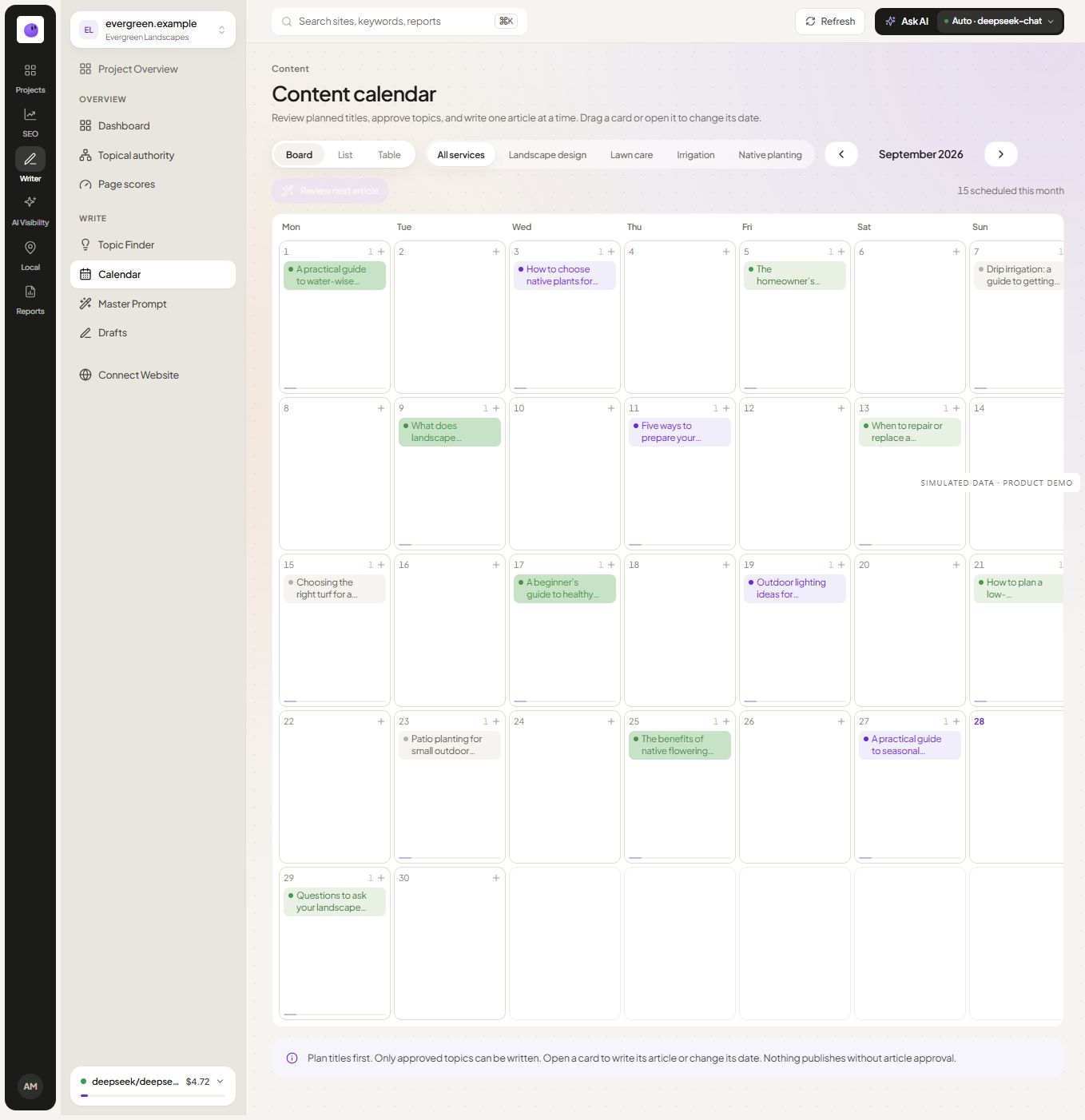
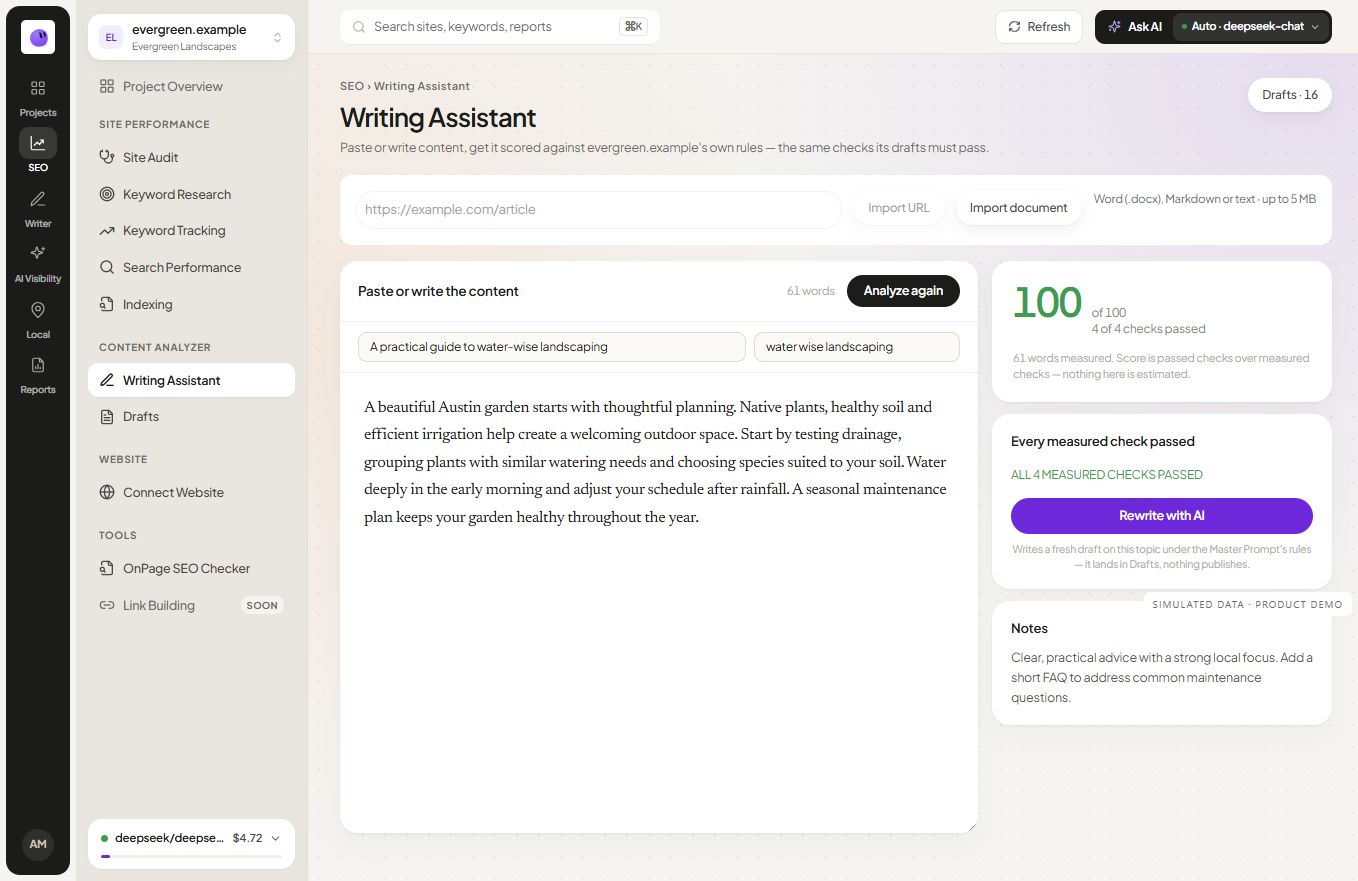
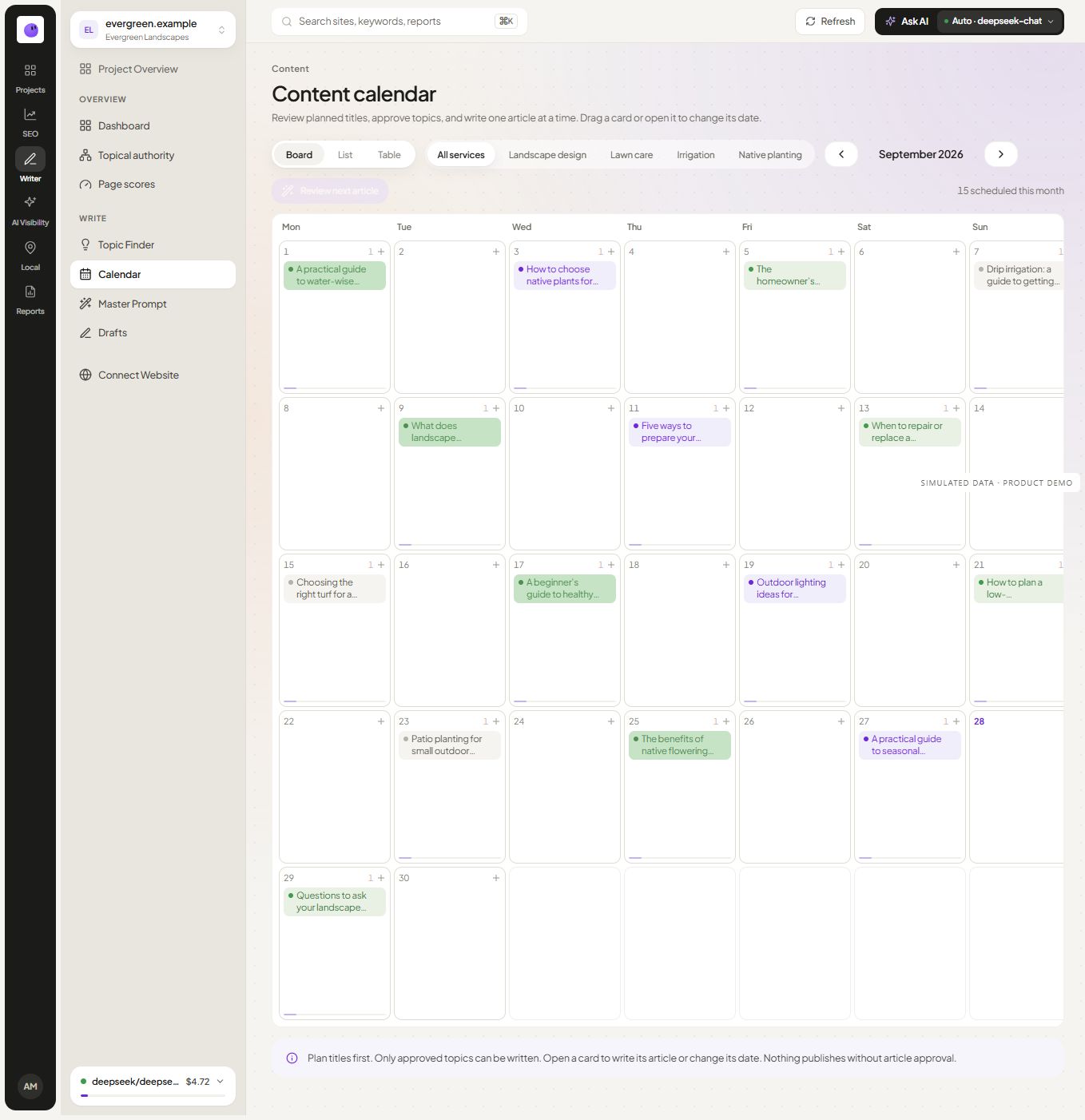
Explore the calendar · See the content module
Give each planned item a clear purpose
Choose topics that belong in your website's content structure. Each item should have a reader need, an intended page type and an owner. A date alone does not make an idea ready to publish.
Use the topical map to organize related subjects and the brief workflow to define the output. That preparation helps prevent a calendar from becoming a queue of unrelated articles.
Separate preparation, approval and delivery
Draft preparation creates material for review. Approval indicates that the content is ready for the next publishing step. Delivery sends the approved work to a configured destination. Keeping those states distinct makes failures and pending decisions easier to understand.
The current scheduled publishing implementation selects approved content. It can use the supported draft/live destination setting where configured. That is different from publishing every newly generated article without approval.
Check the destination and schedule
Confirm the intended website, publishing connection and timezone. Review how the selected destination handles drafts or live publication. A successful handoff may still require a destination-specific action before a page is publicly available.
If delivery fails or is interrupted, inspect the destination before retrying. Avoid assuming that a missing confirmation proves nothing was created. A careful retry process protects against duplicate articles and confusing publication states.
Keep the editorial decision visible
Before approval, verify the main answer, product claims, source links and examples. Check whether the article offers something useful beyond a restatement of existing content. A comparison needs current evidence; a case study needs genuine results; a tool page needs a working tool.
Use the reporting workflow to review what was published and what happened afterward. Publication is a completed action; useful search traffic and customer outcomes are separate measurements.
Plan updates as well as new articles
A calendar can represent a new page, a revision to an existing page or a verification task after publication. Record the destination URL and intended change so a title suggestion does not accidentally create a second page for the same intent.
Before approving a scheduled item, check its topic decision, factual review, asset readiness and destination. Topic approval and article approval are different decisions. The implemented publication flow requires approved content; the scheduled date alone is not approval.
For a fictional reporting cluster, release the template only when its download works, then publish the guide that links to it. If the asset is delayed, move the dependent content or remove the premature link. A filled calendar is less useful than a complete reader journey.
Questions about content scheduling
Can I schedule approved content?
The current workflow supports scheduled handling of approved items with an active supported destination and an eligible plan. Confirm the destination-specific behavior during setup.
Can I automatically publish unapproved drafts?
That behavior is not established by the reviewed implementation. The current scheduler selects approved items. If a separate approval-free mode is introduced, its controls and product copy need their own verification.
What happens if the schedule is paused?
Review the current settings and item state before changing the schedule. Keep the intended dates and publishing destination clear so the team can resume without accidentally delivering the wrong work.
Should I fill every date with a new article?
Publish when the page has a distinct purpose and is ready. Improving an existing page, building a useful asset or collecting evidence can be a better use of the same time.