Set the reporting contract
Choose the period, comparison, sources and business outcome. Confirm which GA4 events represent meaningful actions and which Search Console property belongs to the site. Record missing connections before they become unexplained gaps in the report.
Prepare the evidence
Check the date range, filters and data freshness. Separate website search clicks, on-site sessions and business outcomes. They measure different stages and should not be forced into identical totals.
Write the summary around the action
Start with the most important change. Explain the evidence, give relevant context and finish with a concrete next step. When the cause is uncertain, state the uncertainty and the investigation needed.
Use the SEO report template as a starting structure. It includes an example that distinguishes a measured change from an explanation that still needs evidence.
Review the presentation and delivery
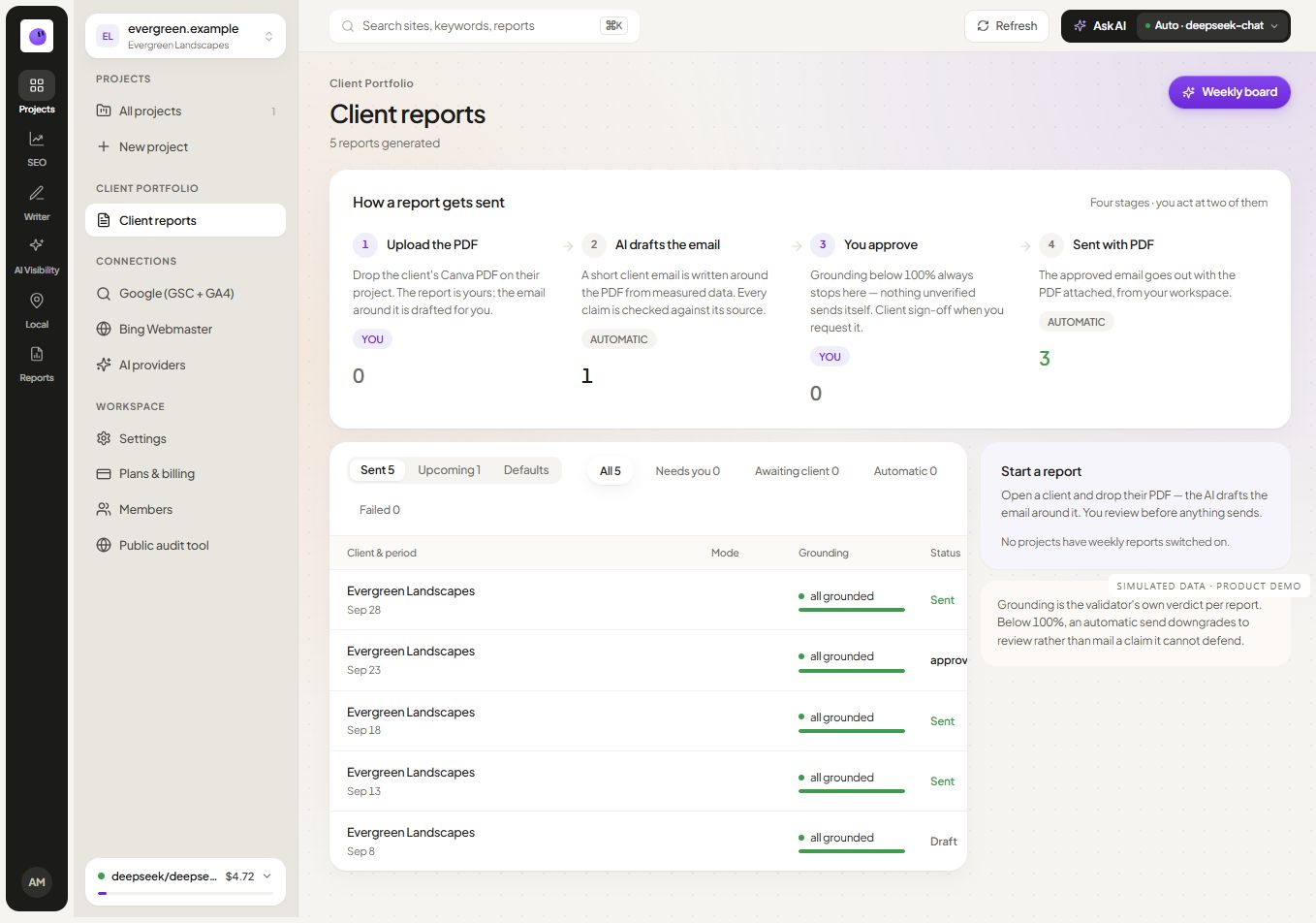
White-label reporting supports client-facing presentation. Automated reporting supports a repeatable cycle. Confirm the recipient, period, attachments and applicable delivery controls before relying on a schedule.
Carry the decisions into the next cycle
Every report should leave a short record of actions, owners and expected verification. Revisit those items next time. A report is more useful when it closes the loop on the previous decisions instead of starting with a fresh set of charts every month.
Explore agency workflows if you manage several clients, or use the reporting guide to build your first reporting process.