


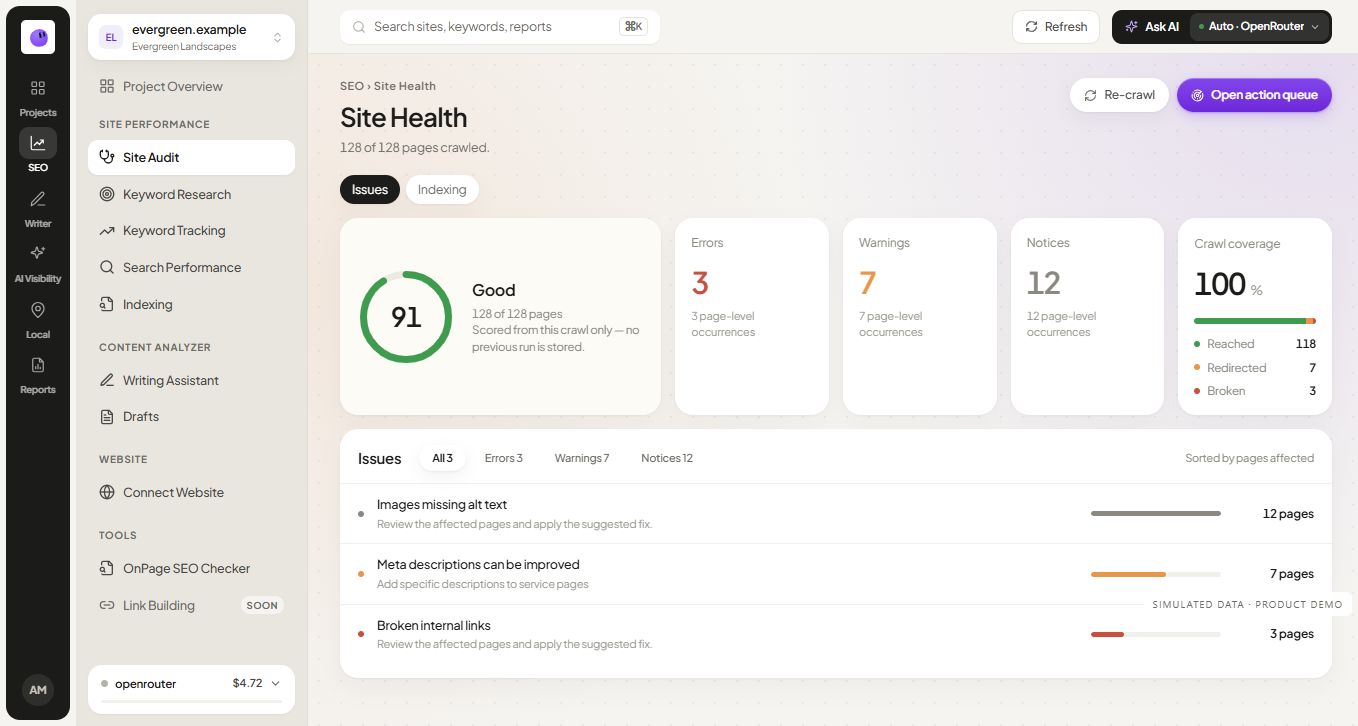
SEO Audit Software with Page-Level Findings
Inspect URLs with SEO audit software that keeps findings and evidence together. Review technical issues and choose the next fix for your site.
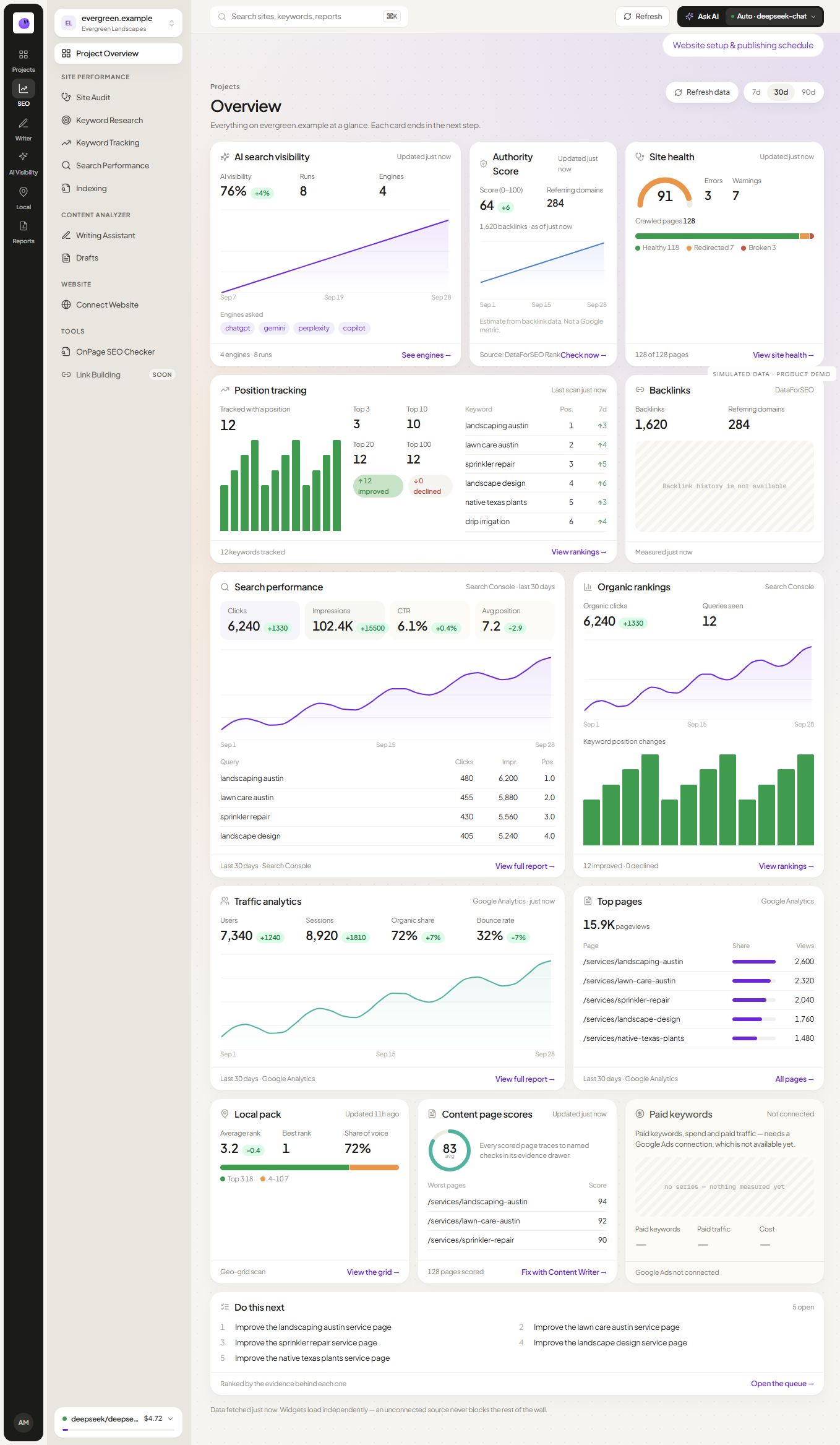
Explore SEO Audit Software with Page-Level Findings ↗RankZap features connect website checks, search data, content planning and client reporting. Start with the task you need to complete, then explore the workflow around it.
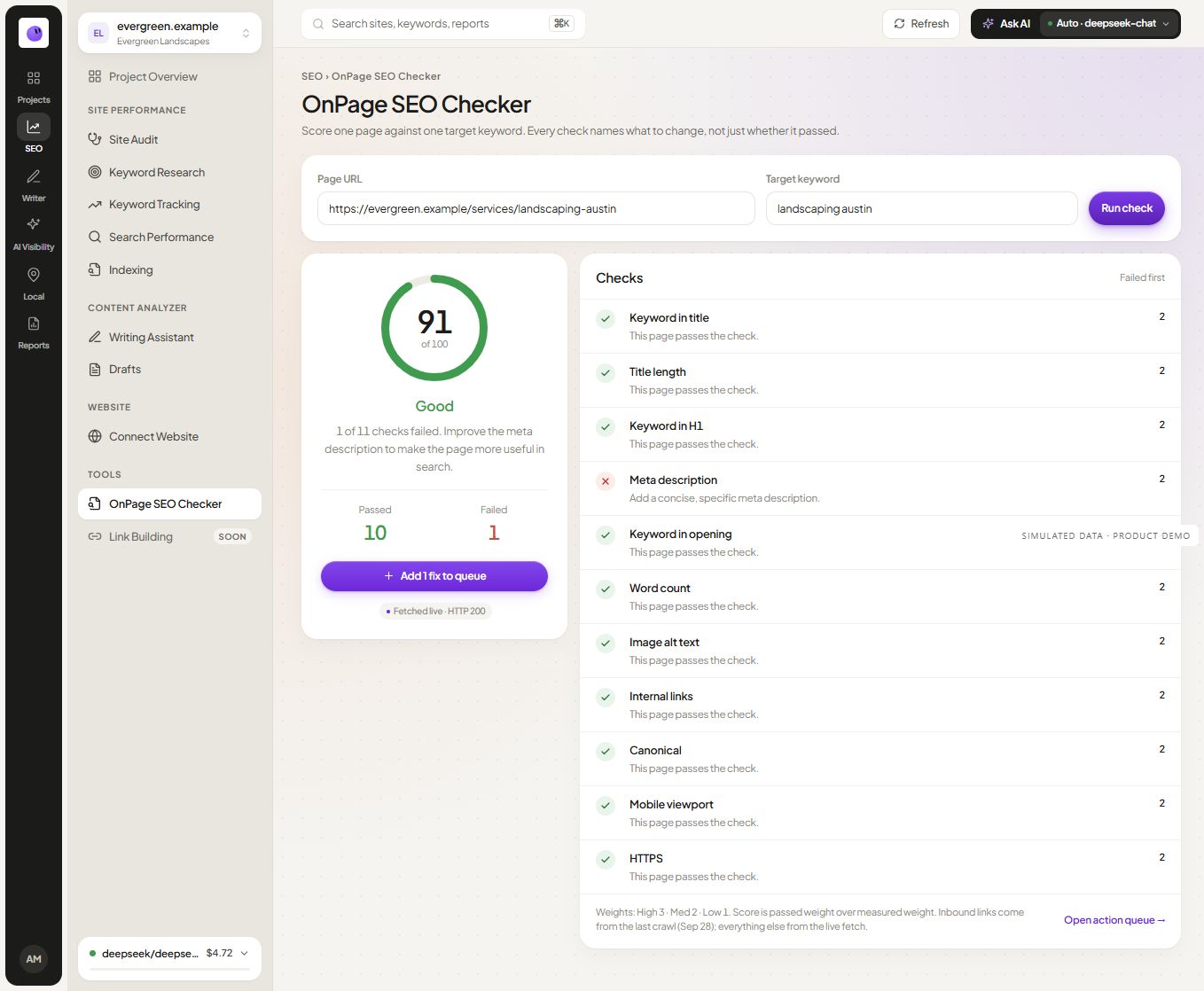
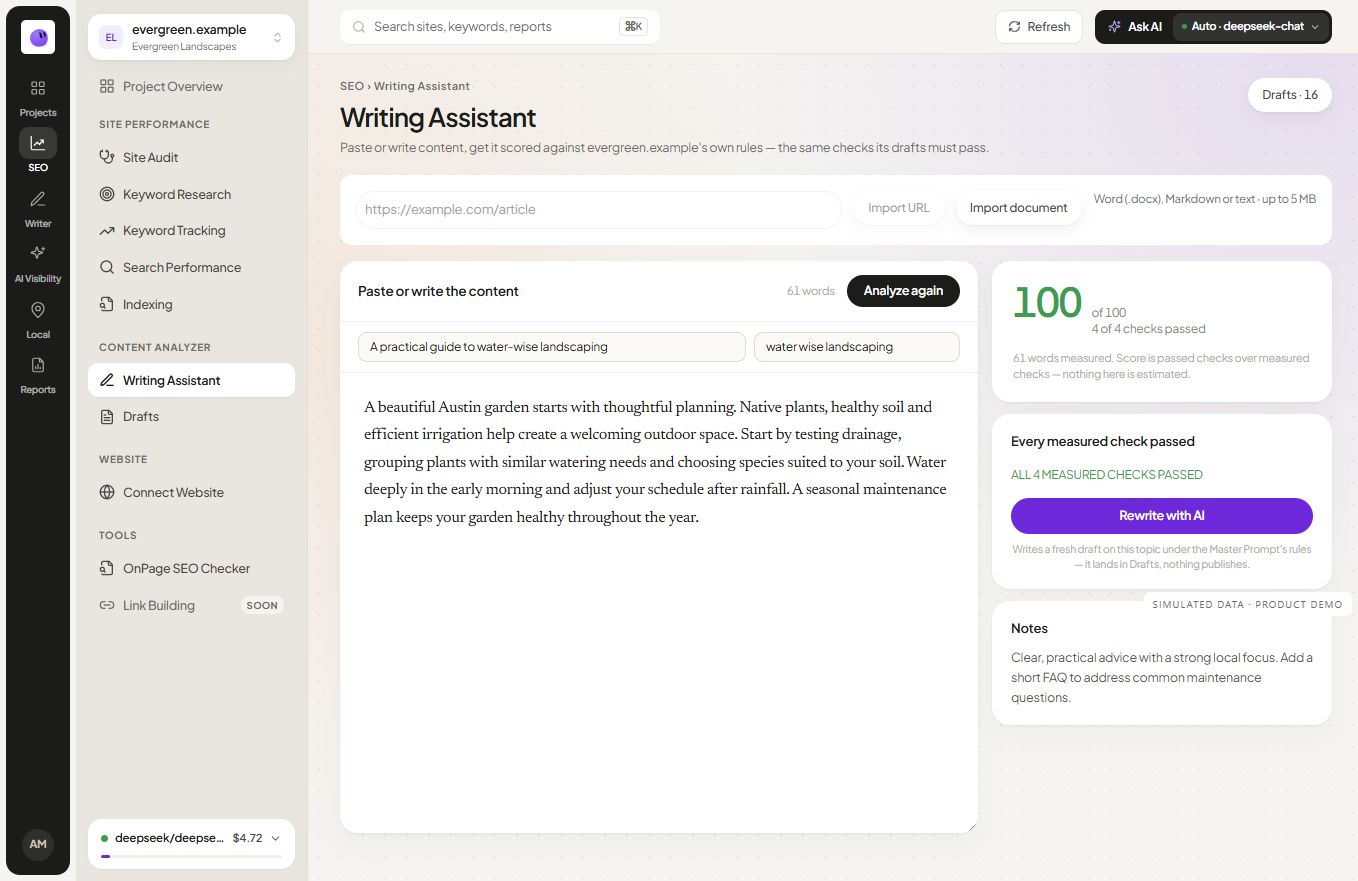
SEO audit helps you investigate crawl findings and affected pages. On-page analysis focuses on an individual page inside a project. Keyword research supports page planning, and rank tracking follows selected searches over time.

Inspect URLs with SEO audit software that keeps findings and evidence together. Review technical issues and choose the next fix for your site.
Explore SEO Audit Software with Page-Level Findings ↗
Review page findings inside a website project. Connect target-topic context with evidence and follow-up actions, or start with the public checker.
Explore On-Page SEO Analysis ↗
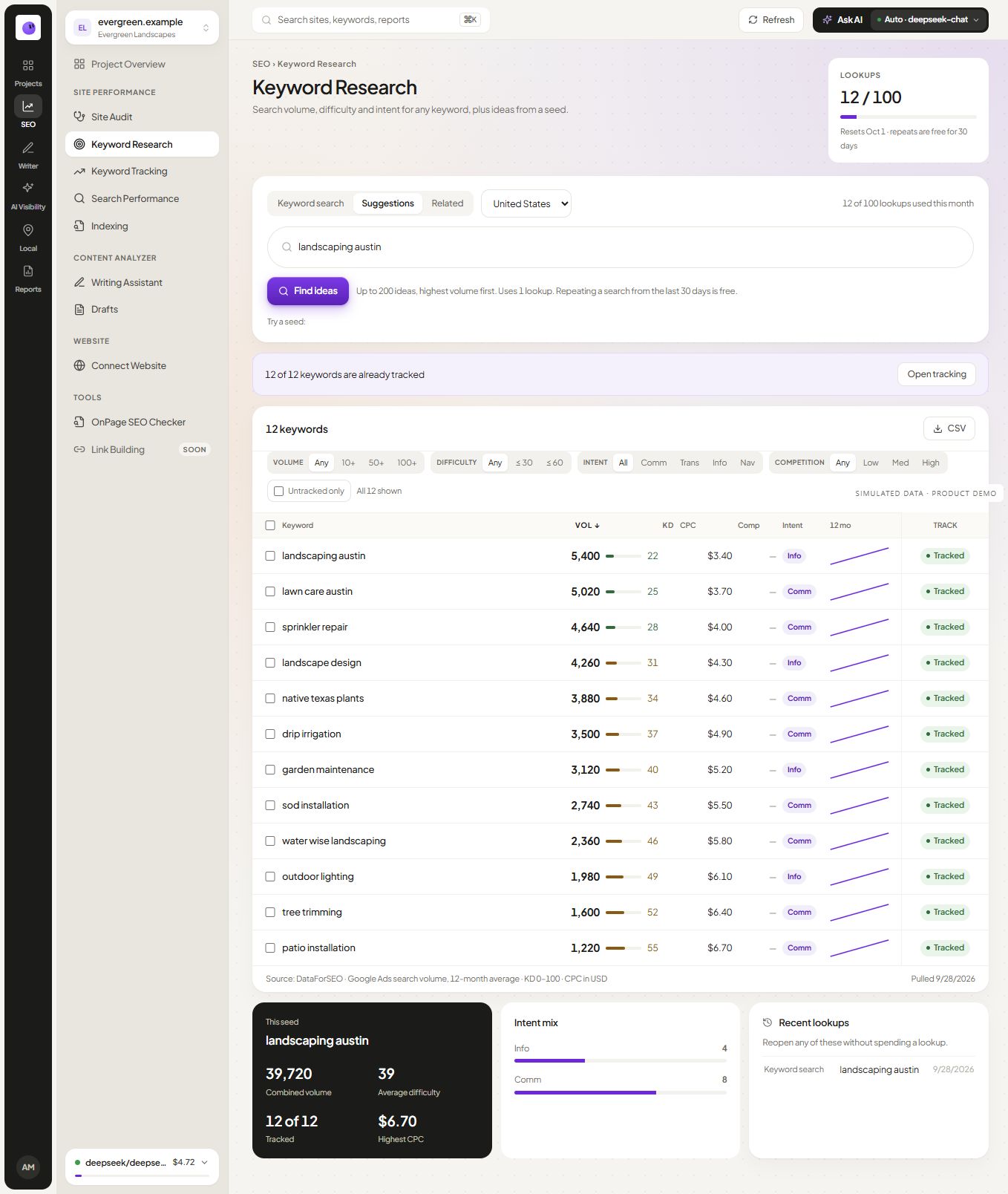
Compare demand, intent and related terms. Choose relevant topics and map close variants to pages readers can use.
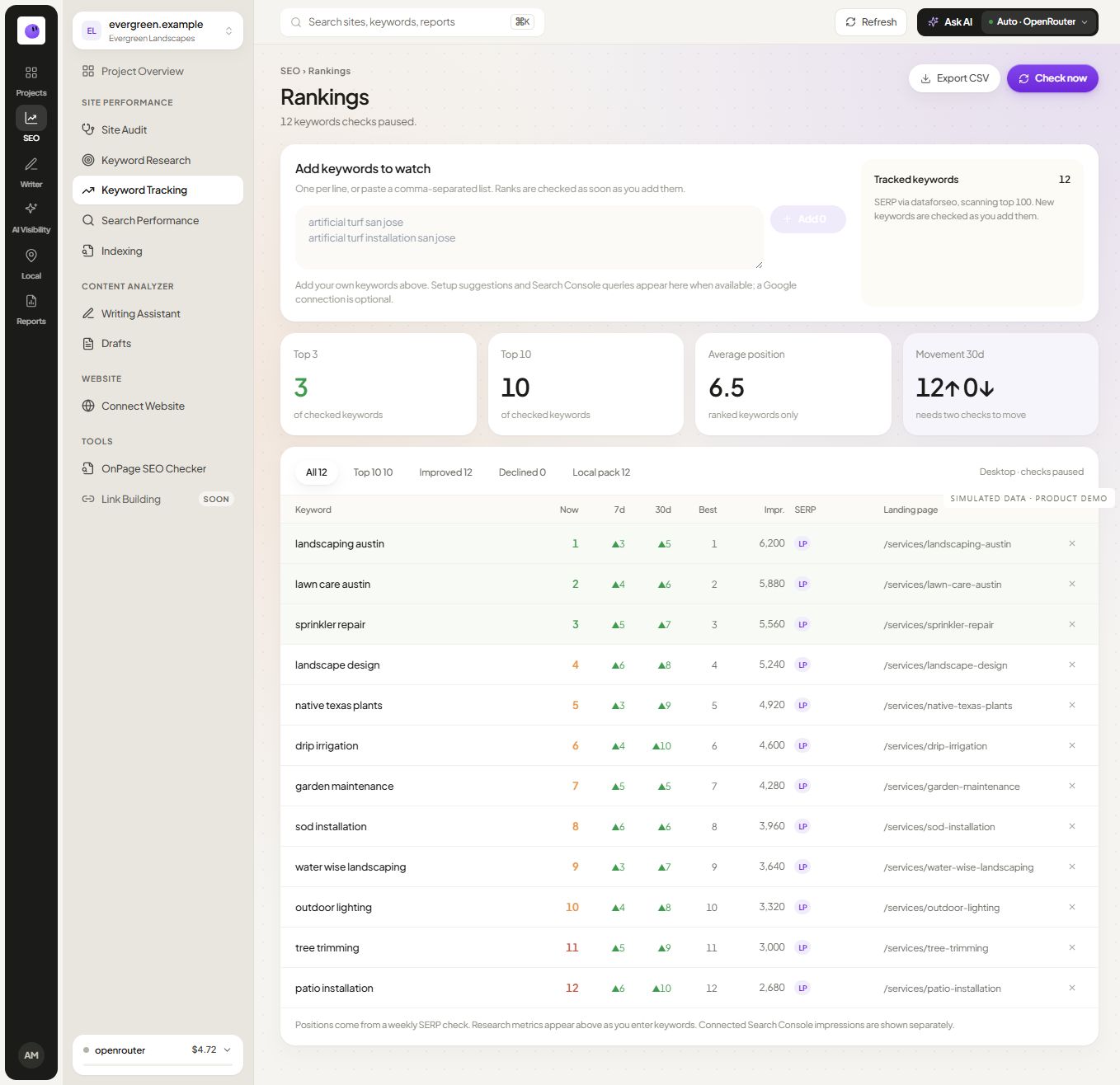
Explore Keyword Research Tool ↗Follow selected search terms and position history. Review the landing page and check settings before interpreting movement.
Explore Keyword Rank Tracking and Position History ↗Topical maps organize related reader needs. Content briefs turn an approved topic into a writing assignment. The content calendar helps you move reviewed work toward publication. Choose the page’s job before writing.

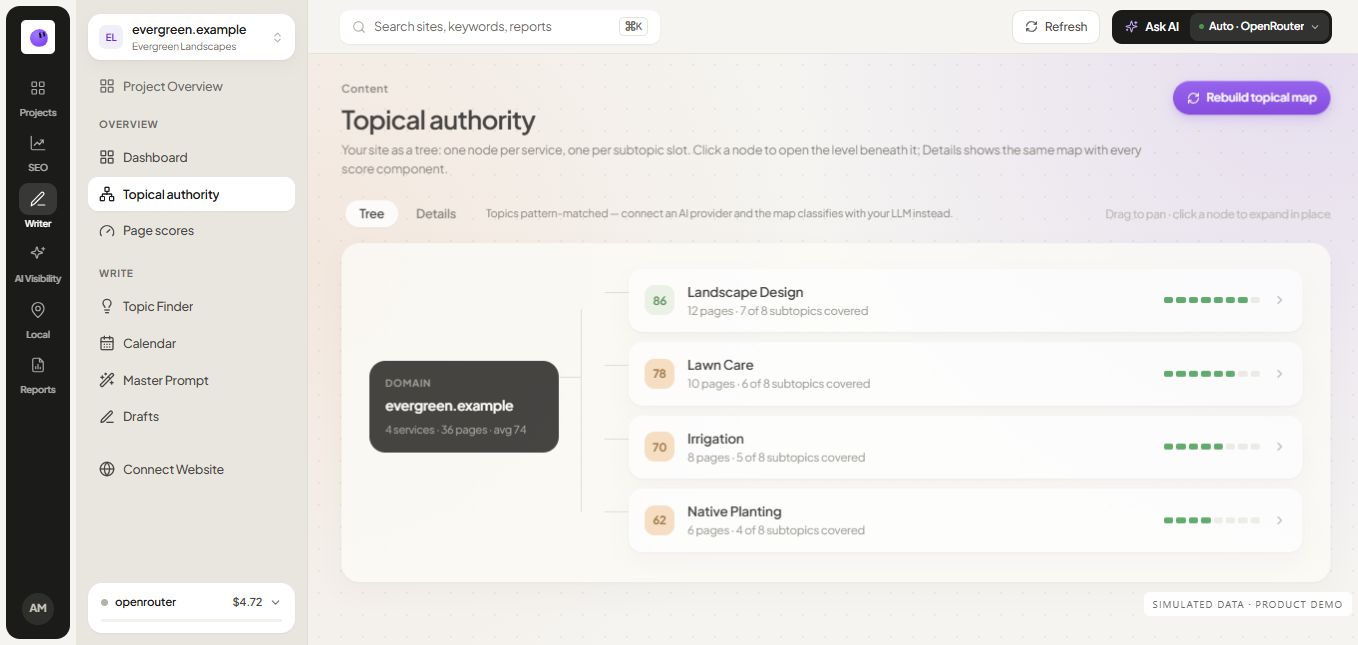
Organize topics and supporting pages. Identify distinct reader questions and turn selected opportunities into useful briefs.
Explore Topical Map Tool ↗
Give writers a clear task covering the reader, answer, evidence and next step. Shape the page before drafting begins.
Explore SEO Content Briefs ↗
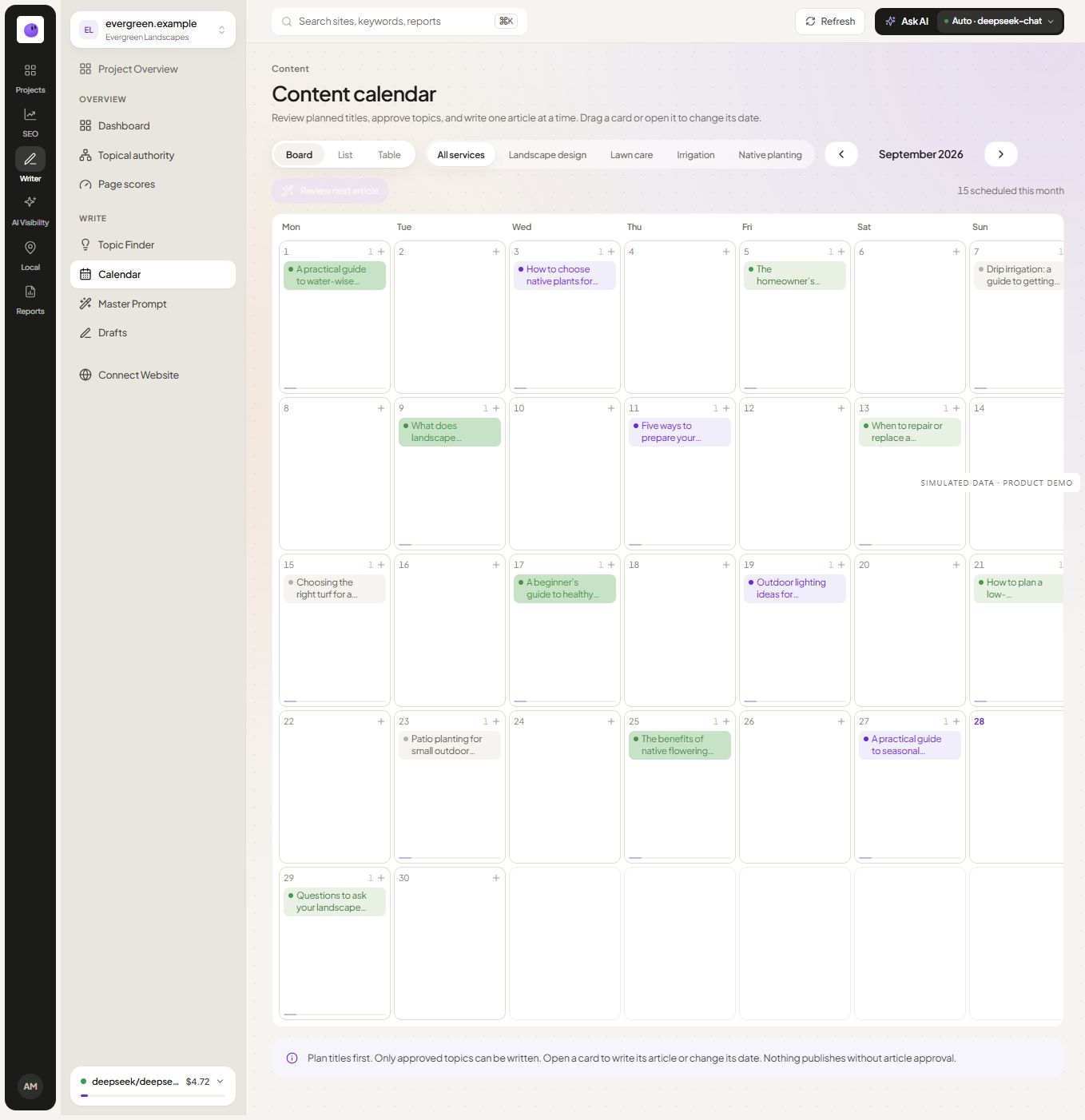
Organize topics, drafts and approved work. Choose a supported destination and keep scheduled publishing status visible.
Explore SEO Content Calendar ↗Use white-label reports for branded communication and explore automated reporting for repeatable preparation and delivery. Client management keeps project work organized across a portfolio.

Add your branding to client output. Connect the evidence, review the narrative and prepare a clearer report.
Explore White Label SEO Reporting Tool ↗
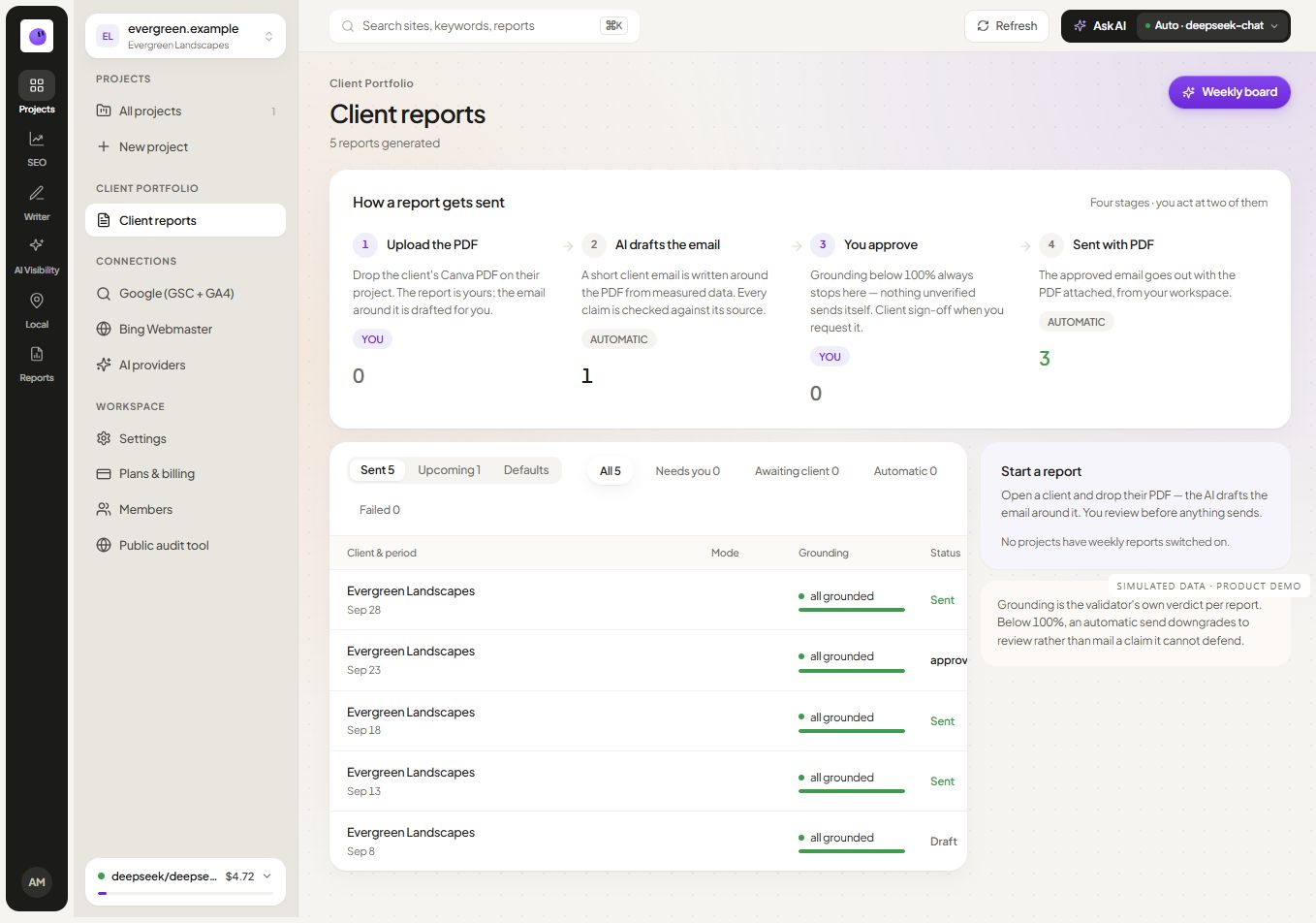
Keep recurring client delivery organized. Set the cadence, check recipients and review delivery history.
Explore Automated SEO Reporting Tool and Schedules ↗
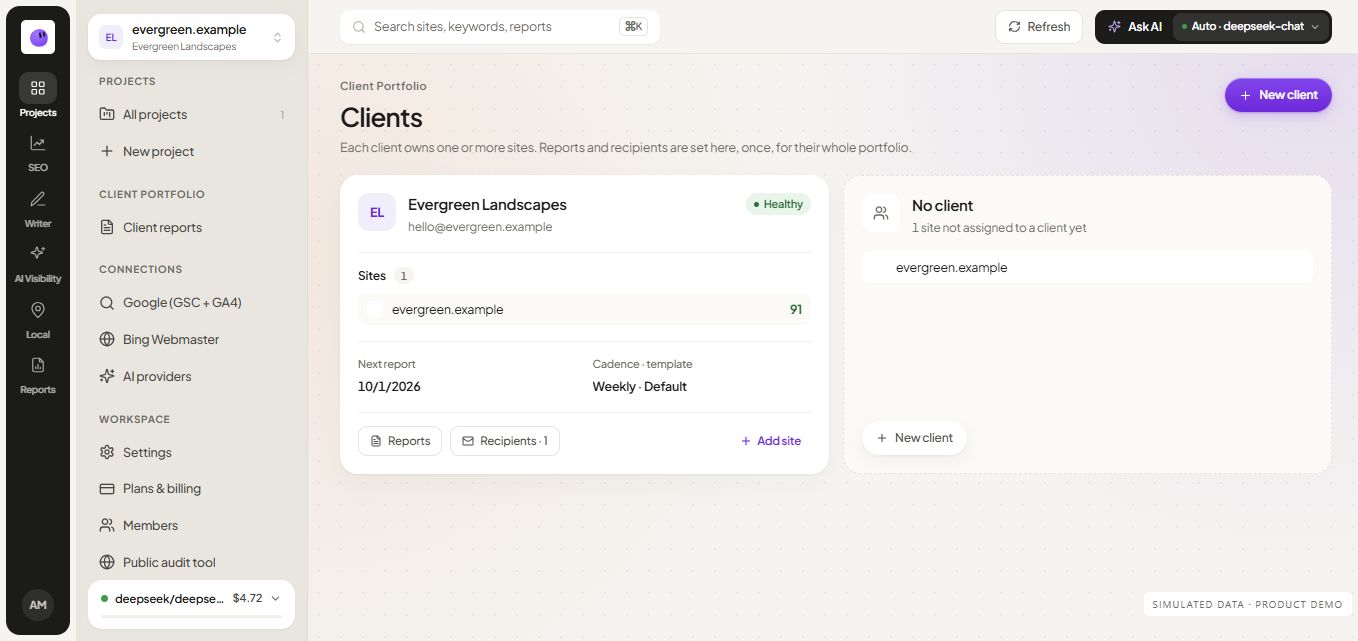
Keep projects, connections and reporting context organized. Review each website and coordinate the next piece of work.
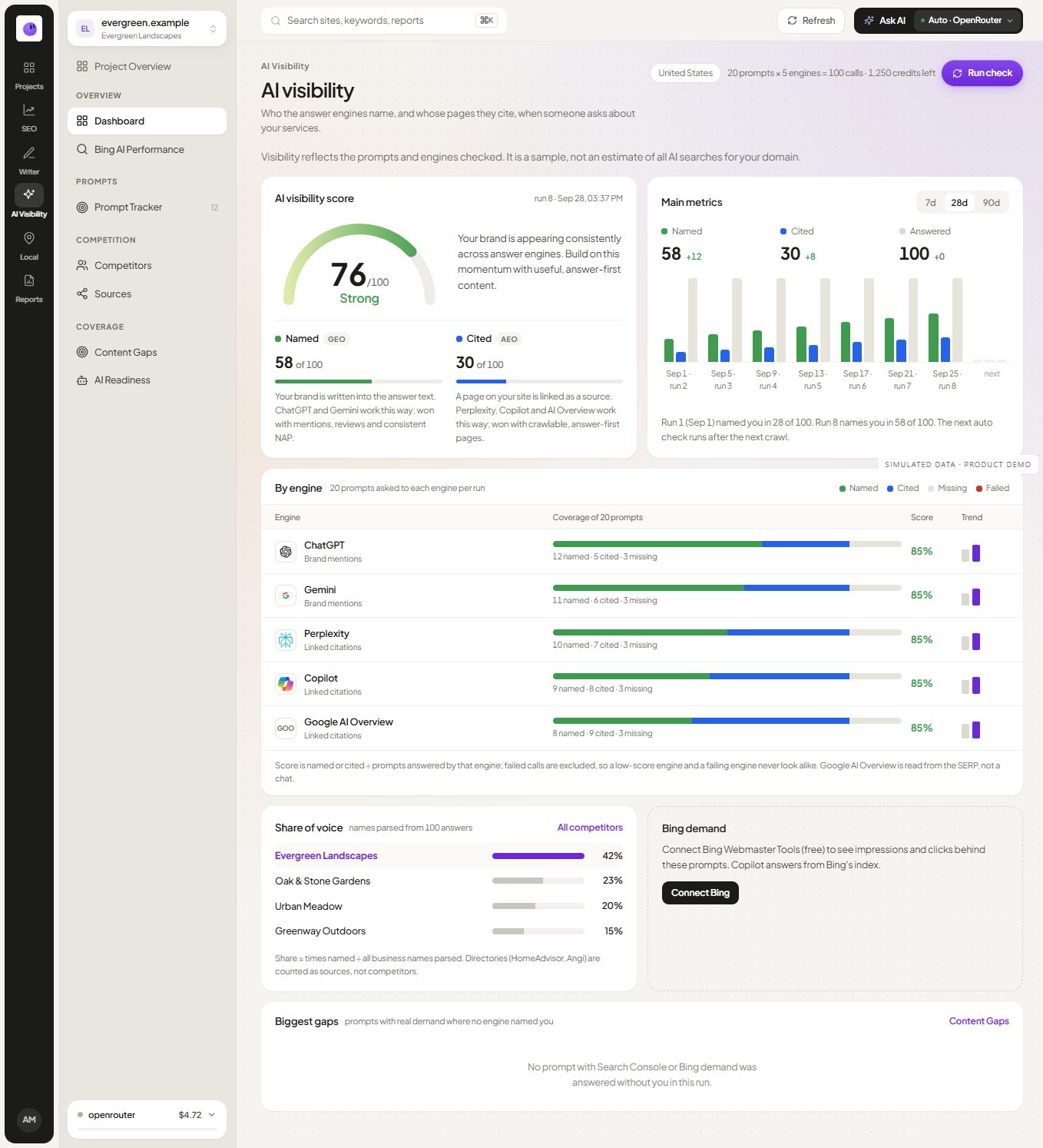
Explore SEO Client Management ↗AI visibility examines selected prompts and returned answers. Local rank tracking explores location-dependent results, while local SEO reporting puts supported local evidence into context.

Inspect selected buyer questions with mentions and citations shown separately. Review answers and track a consistent prompt set.
Explore AI Visibility Tool ↗
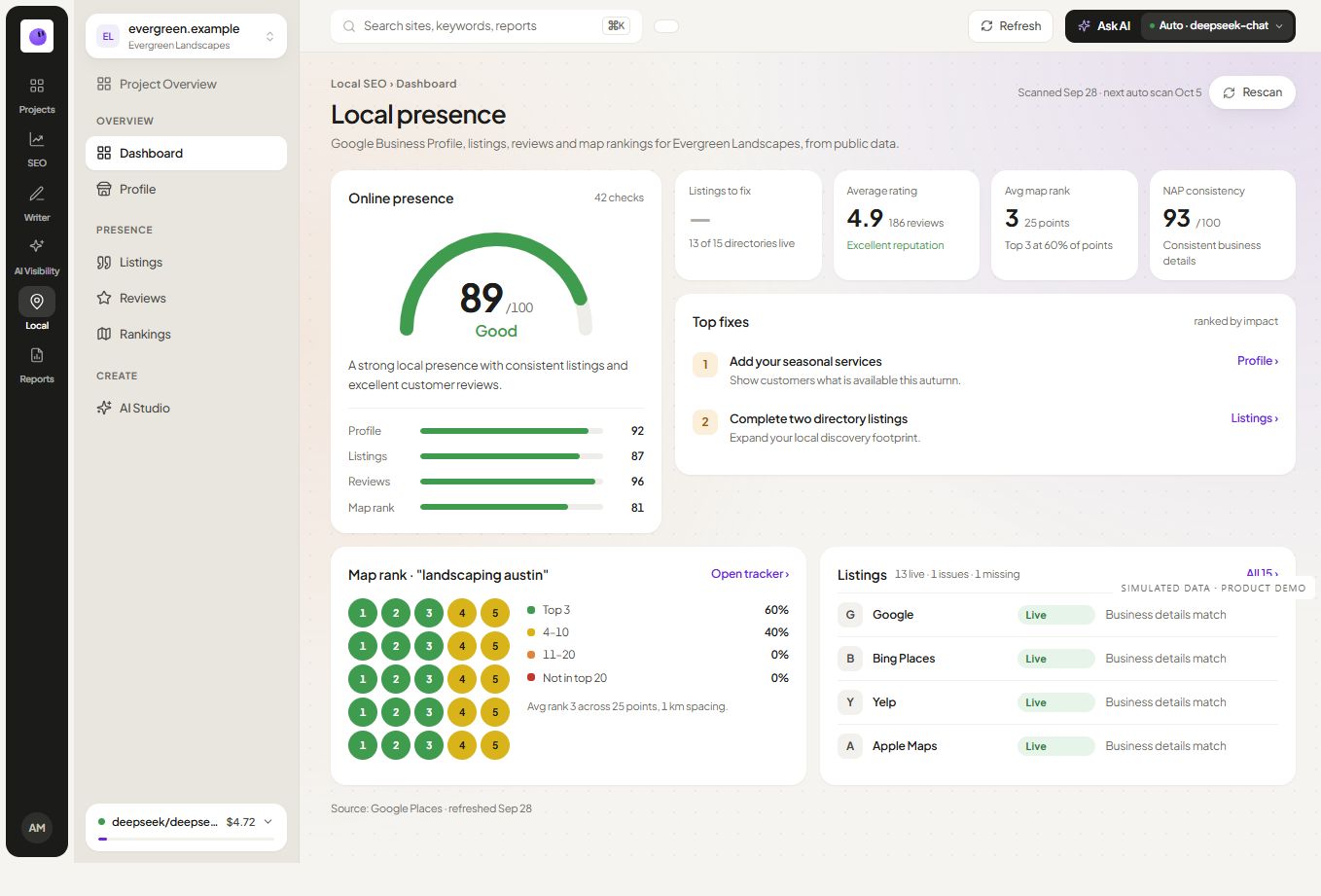
Bring public listing observations and map context into your reporting. Review the location, explain the evidence and select useful next actions.
Explore Local SEO Reporting ↗
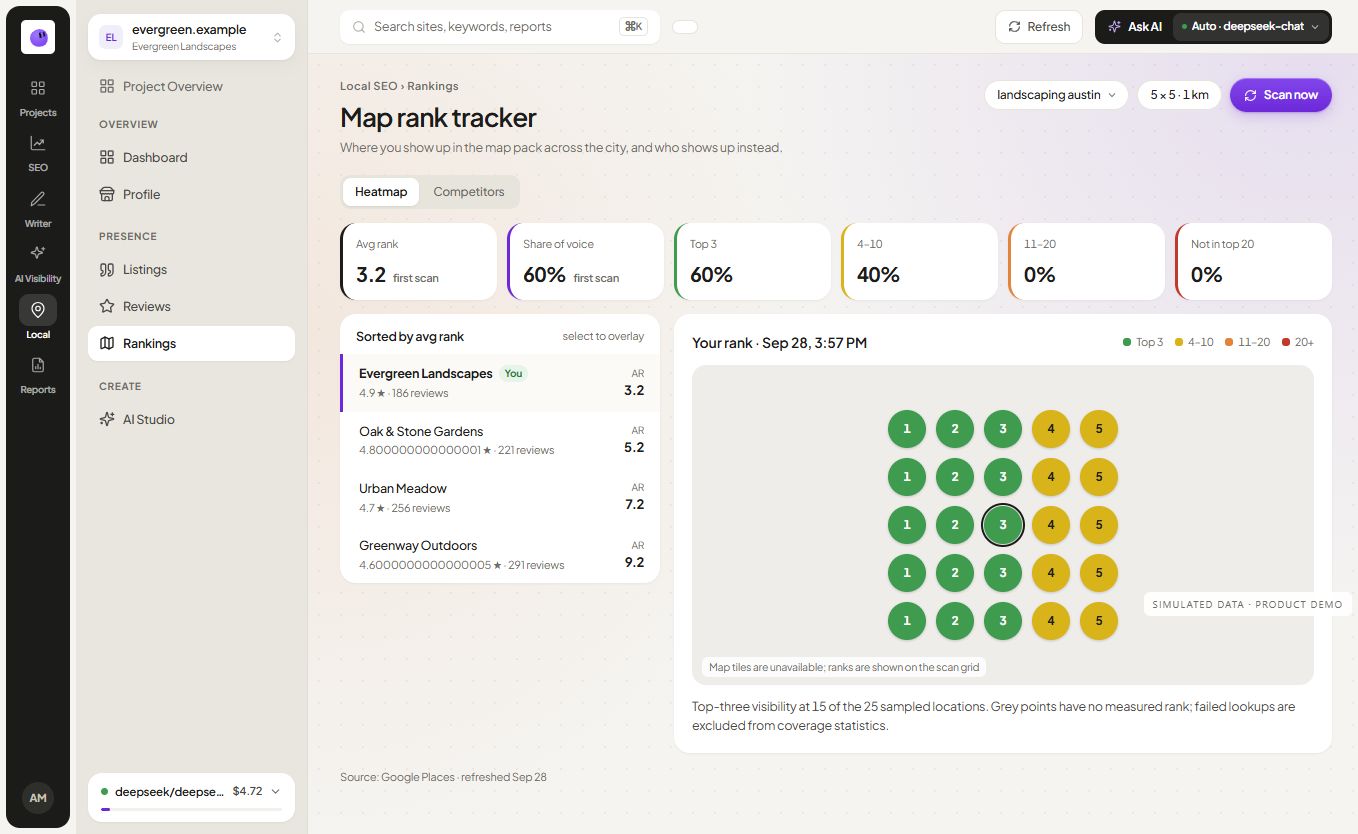
Inspect map visibility at selected points. Keep the keyword, location and grid settings together when comparing results.
Explore Local Rank Tracking Across Your Service Area ↗Separate tools can leave the findings, content plan and client explanation scattered across tabs. Keep the evidence and next action together.
Start with the pages, findings and evidence behind your next fix.
Explore SEO Audit ↗Connect selected keywords to topics, briefs and approved publishing.
Explore content workflows ↗Bring project context into a report your client can review.
Explore reporting ↗3-day trial · No card required · Managed AI included
Get started free ↗RankZap features connect website checks, search data, content planning and client reporting. Start with the task you need to complete, then explore the workflow around it.

SEO audit helps you investigate crawl findings and affected pages. On-page analysis focuses on an individual page inside a project. Use the findings to decide what needs a fix, then check the result after publishing the change.
Keyword research supports page planning. Rank tracking follows selected searches over time. Read these alongside Search Console performance rather than treating a single position as the whole result.
Topical maps organize related reader needs. Content briefs turn an approved topic into a writing assignment. The content calendar helps you move reviewed work toward publication.
Choose the page's job before writing. A tutorial, a pricing explanation and a product comparison can serve different decisions even when they mention the same feature.
Use white-label reports for branded communication and explore automated reporting for repeatable preparation and delivery. Client management keeps project work organized across a portfolio.
AI visibility examines selected prompts and returned answers. Local rank tracking explores location-dependent results, while local SEO reporting puts supported local evidence into context.
For one immediate page check, open the free SEO checker. For a connected process across several tasks, explore the modules. Check pricing for current feature availability and usage limits.