Start a website audit · Check one page first
Start with evidence you can inspect
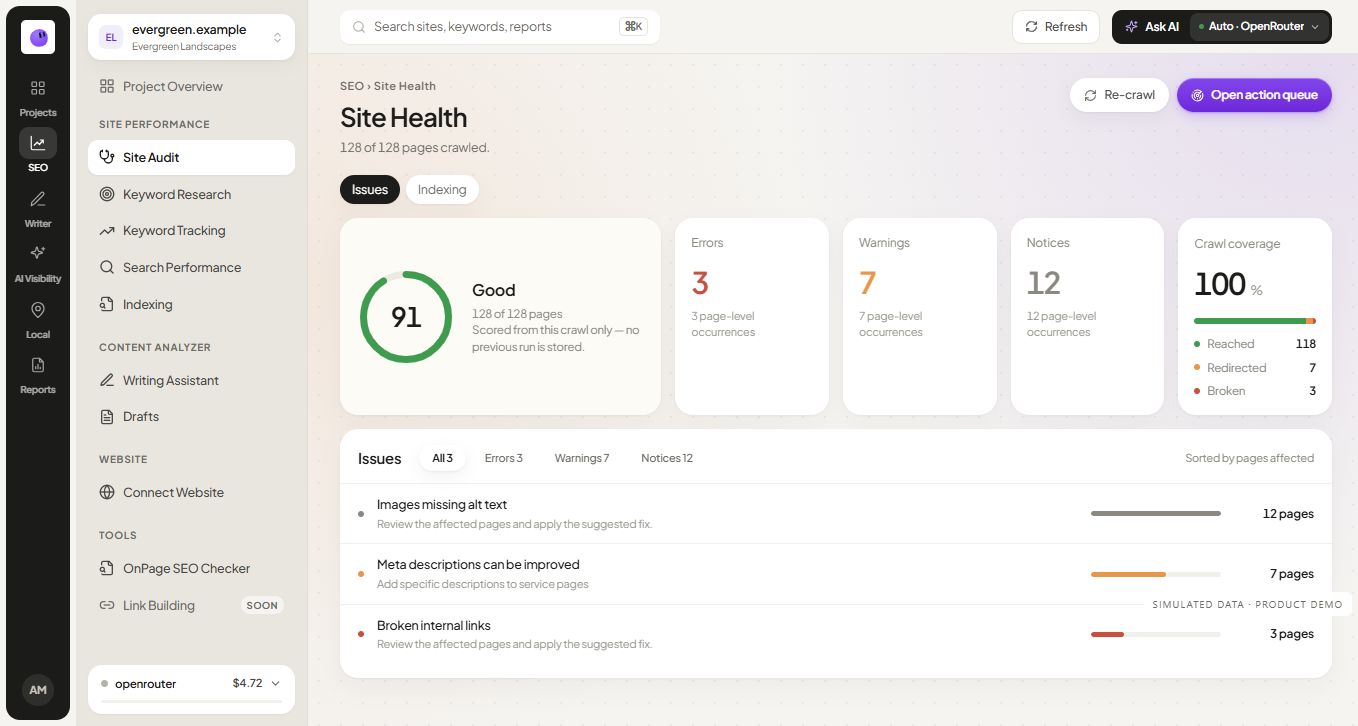
A useful audit finding identifies what was checked, what was observed and where it happened. A warning without that context leaves the next person guessing. RankZap's audit workflow keeps findings tied to pages so you can move from a summary to the relevant URL.
The audit covers technical and on-page areas such as indexing signals, content elements, links and performance-related observations. Treat the crawl as a record of the checks completed at that time. Page behavior can change, and a blocked request may limit what an automated tool can inspect.
Choose the right scope
A single-page check is useful after editing a title or investigating one landing page. A wider crawl helps reveal repeated patterns, including shared templates and links between pages. Start with the scope that matches the question you need to answer.
For example, one service page with a missing heading may need an isolated edit. The same finding across a group of related pages may indicate a template problem. Looking at the affected URLs helps distinguish those situations before anyone starts changing content.
Turn the crawl into an ordered review
Investigate access and important page behavior
Check whether your important public pages can be reached and whether their indexability signals match the intended purpose. A page intentionally excluded from search needs a different response from a public service page excluded by accident.
Review patterns across affected URLs
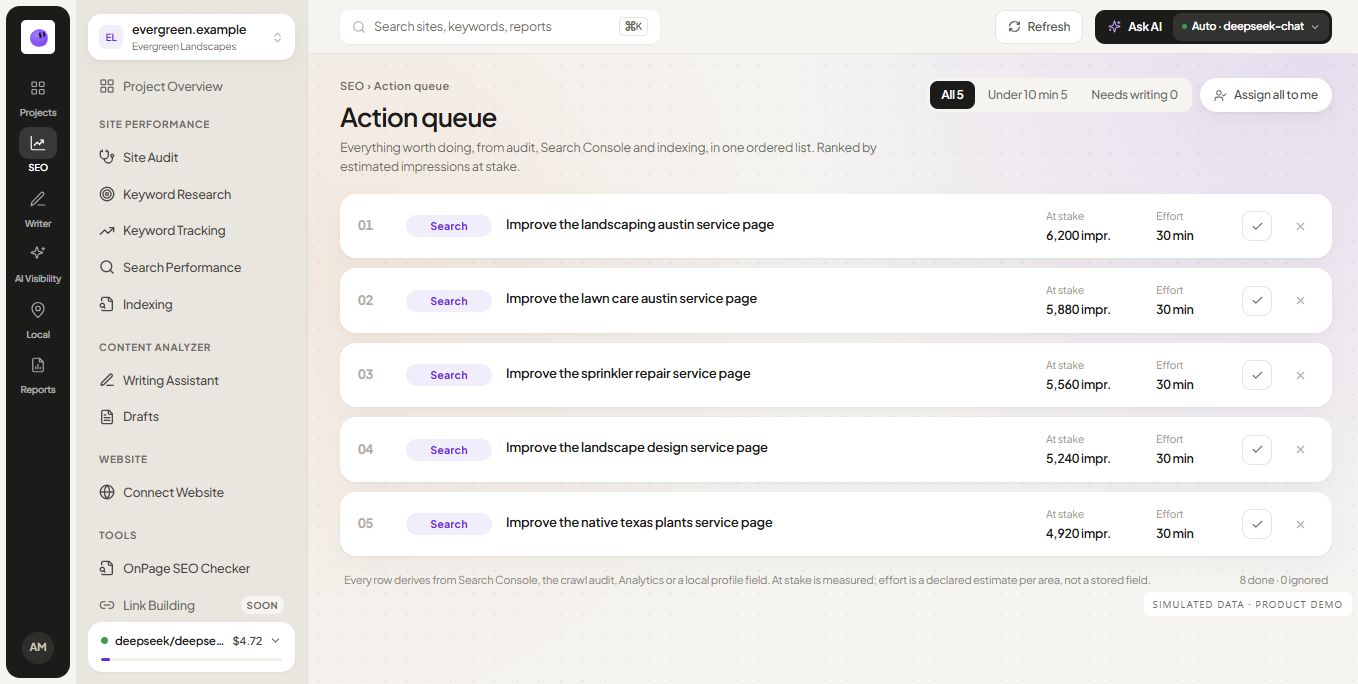
Group related observations before assigning work. If a link template points to a retired URL, one shared change may be more useful than a list of separate page edits. Preserve individual URLs in the evidence so the change can be checked afterward.
Read content warnings in context
Titles, descriptions and headings help describe a page, but an automated warning does not settle whether the content is useful. Review the actual page and the reader's task. Avoid adding paragraphs or repeating a keyword only to satisfy an arbitrary score.
Define how the fix will be checked
Write the verification step before closing the issue. For a broken internal link, inspect the updated destination. For an unintended indexability directive, check the returned page and relevant configuration. A completed development task should produce observable evidence.
A practical audit handoff
The following example is an illustrative workflow, not a claim about a customer website.
| Observation | Next investigation | Possible action |
|---|---|---|
| Important pages share a duplicate title | Inspect whether their purposes differ | Write titles that accurately distinguish those pages |
| Navigation points to a redirect | Check the final intended destination | Update the shared navigation link |
| A public page has an unexpected canonical | Review page duplication and intended primary URL | Correct the signal if it conflicts with the intended page |
Record the chosen action, owner and verification in the audit report worksheet. Keep uncertainty visible when the evidence does not yet support a fix.
What does the site health score mean?
A site health score summarizes the audit's own checks. It is useful for navigating findings or comparing consistent crawl conditions. It is not a Google score, a promise of search traffic or proof that all important problems have been found.
Read the audit score explanation before presenting a change in score as an outcome. A single significant fix can matter even when the overall score moves little. A large score increase can also come from resolving many low-consequence warnings.
Keep the audit connected to the wider project
An audit can identify a technical observation; search performance can help you understand which pages matter to the current audience. Use both when deciding where to spend time. Do not assume the most visible warning is the most valuable task.
The SEO module connects the audit with related research and tracking work. When you explain changes to a client, keep the original finding, the completed action and the follow-up evidence in the same story.
Frequently asked questions
Will the audit fix my website automatically?
The audit provides findings for review. The right change depends on the website and the issue. Verify the available action controls and review the evidence before applying edits to a site you manage.
How often should I run an audit?
Run one when you need an initial baseline, after meaningful changes or when evidence suggests a new issue. Choose recurring checks around the rate of site change and the team's ability to review the findings.
Does every warning affect rankings?
No. Findings differ in consequence and certainty. Some are contextual or relate to general website quality. Prioritize using the page's purpose, importance and inspected behavior rather than assuming every warning has a direct ranking effect.
What should I do after the first crawl?
Choose a small group of verified priorities, assign owners and define the recheck. The technical audit checklist can guide a deeper investigation where the automated evidence is incomplete.