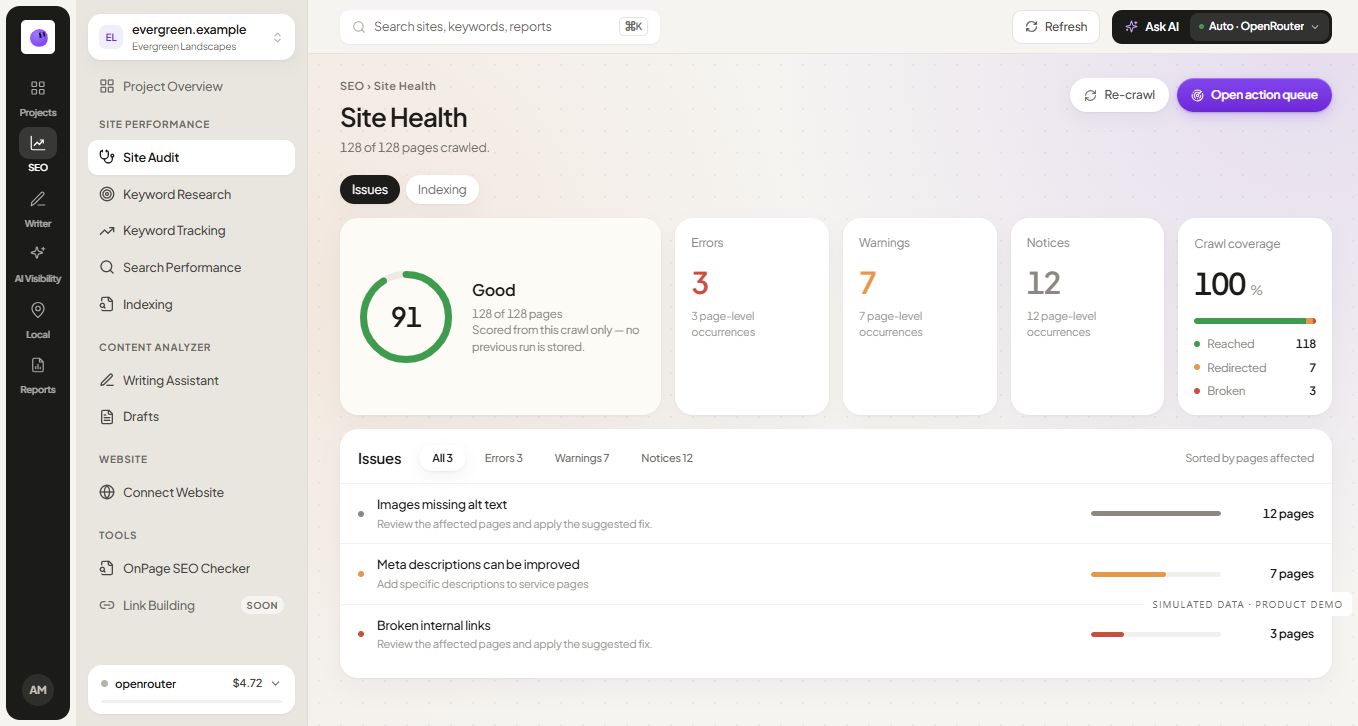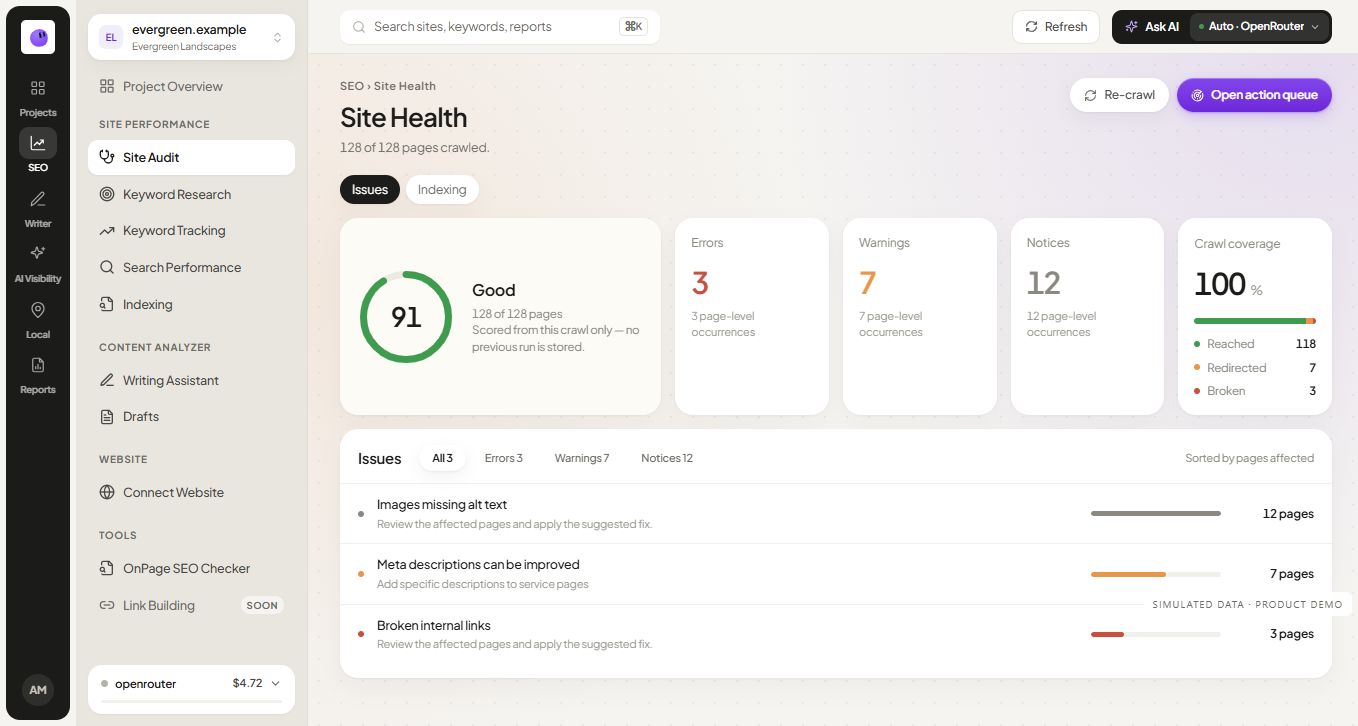
Start with the pages that support the business. A complete crawl is useful, but an unprioritized list of warnings can leave the most consequential problem unresolved. Use the audit worksheet to keep the findings connected to actions.
1. Define the scope
Record the production domain, preferred hostname, important page types and any recent migration. Identify login areas, staging environments, language versions and parameter-heavy sections. These details help distinguish unintended problems from deliberate behavior.
Choose a representative sample for manual inspection: the homepage, a core service or product page, a category or hub, an article and an important conversion path. Add any URL that recently lost visibility or changed implementation.
Do not assume the crawler's discovered set is the entire website. Compare it with the sitemap, CMS inventory and relevant search data. A page that no internal link reaches may be absent from the crawl but still matter to the business.
2. Inspect access and response behavior
Open each priority URL and inspect the response chain. Confirm that the final destination is intentional and the visible content is the expected page. A server can return a successful response for an error template, so the status code alone is insufficient.
Investigate recurring server errors, unexpected login redirects and access challenges. Record whether the behavior affects all visitors, a specific user agent or a particular environment. Reproduce the issue before proposing a broad configuration change.
For moved content, review whether the old URL redirects to a relevant replacement. A redirect to the homepage may technically work while giving the visitor no equivalent information. Preserve useful destinations and update internal links where appropriate.
3. Separate crawl controls from indexing controls
Check robots rules and page-level indexing directives in the context of the page's purpose. An intentionally excluded internal search page differs from a public product page accidentally carrying a noindex directive.
When investigating exclusions, use the relevant URL inspection evidence and the live page. Record both the intended policy and the observed state. Do not remove every exclusion across a website just because a crawler flags it.
The acceptance criterion should be specific: for example, the public service template no longer emits an unintended noindex directive. Indexing by a search engine remains a separate observation; a code change cannot guarantee it.
4. Review canonical signals
A canonical signal identifies the preferred version among duplicate or similar URLs. Compare the declared canonical with redirects, internal links and sitemap entries. Conflicting preferences deserve investigation.
In an illustrative case, /services/installation/ declares the homepage as canonical even though it has distinct service content. Confirm whether this came from a template error. If so, fix the template and inspect several affected pages, rather than editing only the first example.
Do not point every weak page at a strong page as a generic ranking tactic. Use canonicals for an appropriate relationship between versions. Google's canonicalization documentation explains how canonical signals are interpreted.
5. Check discovery and internal links
Follow the path from a relevant hub to the priority page. Inspect the actual link destination and anchor text. Confirm that important links exist in a form visitors can use and that navigation does not lead through unnecessary redirects or broken URLs.
Group repeated link problems by template. A broken footer destination across a thousand pages may have one underlying fix. Reporting a thousand separate tasks would misrepresent the work.
Look for useful pages with no contextual entry point. Add a link where it helps a reader continue the task. Do not attach a large unrelated link list merely to make every URL appear closer to the homepage.
6. Compare the source with the rendered page
Inspect whether important text, links and page information are available as expected. Dynamic interfaces can produce different initial and rendered states. A checker that sees one representation may not answer every question about the other.
Confirm that the meaningful content remains usable on mobile and that overlays do not hide the task. Check the form, table or tool output that gives the page its value. A complete metadata panel cannot compensate for a broken quote form.
Keep the environment in the finding: browser, device class, logged-in state and steps to reproduce. This turns an ambiguous screenshot into something a developer can investigate.
7. Inspect titles, headings and descriptions
Confirm that each priority page has a clear identity. Titles and headings should reflect the page's actual purpose. Repeated boilerplate can make distinct pages difficult to distinguish, while inconsistent templates can produce an incorrect brand or service name.
Treat character counts as editing guidance. Inspect how the wording reads and whether it communicates the page. Avoid writing misleading benefits simply to fit a preferred count.
For descriptions, focus on an accurate summary. If the service or offer changed, update the wording to match. Use the metadata generator only when its output can be reviewed against the page facts.
8. Inspect structured data where it belongs
Check that any structured data represents visible, accurate information. Review entity names, URLs and relationships. Identify conflicting markup from themes, plugins or application components.
Use an appropriate validator and inspect the page as well as the code. A valid object does not prove the underlying claim. Keep ratings, author details and offers out of the markup unless the page genuinely supports them.
Do not add every available schema type to every template. The implementation should describe the content that exists. Record validation results separately from whether a search engine displays a rich result.
9. Review the sitemap as an inventory signal
Check that sitemap URLs are the preferred public versions and resolve as intended. Investigate entries that redirect, error or represent intentionally excluded content. Confirm that newly published pages enter the appropriate sitemap after their release checks pass.
Use accurate modification dates. Refreshing every date on each build creates a misleading record of substantive updates. Google's sitemap guidance also explains that submission does not guarantee crawling or indexing.
For release monitoring, keep a separate list of the newly published URLs. This makes it easier to diagnose a shared template problem before adding the next batch.
10. Review the visitor's experience
Check loading behavior, layout movement, readable text and keyboard access around the page's central task. Use performance measurements alongside direct inspection. Distinguish a reproducible user problem from variation in a single laboratory run.
For a free tool, test validation, loading, success, empty output and failure. For a download, open the actual file. For an article, inspect tables and screenshots on a narrow screen. These checks help ensure that the content remains useful after implementation.
Extend the checklist for performance, JavaScript and international pages
Core Web Vitals: identify the experience being measured
Largest Contentful Paint describes loading, Interaction to Next Paint describes responsiveness, and Cumulative Layout Shift describes visual stability. Record the page, device class, measurement date and whether the evidence comes from actual users or a laboratory run. Do not treat one laboratory score as proof of every visitor's experience. Google's Core Web Vitals guidance explains these measures.
JavaScript: confirm the content and links survive rendering
For an interactive page, inspect the delivered HTML and rendered output. Check whether the useful result, primary text and navigation appear as intended, and whether important resources fail to load. A browser interaction that reveals content is not automatically evidence that a crawler receives the same content. Use Google's JavaScript SEO documentation when diagnosing rendering differences.
Language and country variants: check actual alternate pages
If genuine language or regional versions exist, verify their canonical policy and hreflang relationships. Check the alternate URLs, language-region values and reciprocal references. Do not add hreflang merely because the business accepts customers globally; each referenced version should exist and serve its intended audience. Google's localized-version guidance provides the implementation reference.
Large collections: separate valuable URLs from crawl expansion
For filtering, pagination and product variants, inspect which combinations create useful public pages and which multiply substantially equivalent URLs. Record internal links, canonical preferences and the intended indexing policy together. Avoid a blanket parameter rule that removes genuinely useful categories or blocks evidence needed for diagnosis.
11. Turn the findings into bounded tasks
Each task should include the affected scope, evidence, consequence, proposed change, owner and acceptance criterion. Separate confirmed problems from investigations. Avoid a severity label that offers no explanation.
| Finding | Evidence | Bounded action | Verification |
|---|---|---|---|
| Service template declares wrong canonical | Source from three representative pages | Correct canonical generation for that template | Inspect live output and relevant page sample |
| Contact link reaches a removed path | Reproduced navigation click | Point the component to the current contact page | Follow the public link and test the form |
| Source unavailable during crawl | Error with timestamp | Investigate host response before scoring | Retry after diagnosis and record result |
These are fictional examples. Replace them with observed URLs and evidence from your own audit.
12. Verify the fix and preserve the record
Check the production output after deployment, then rerun the relevant portion of the audit. Test adjacent pages when the change affects a shared template. Record any side effects before closing the task.
Keep the original observation and completion date. Later, compare search and business data with sufficient context. A successful technical repair is worth reporting even when its traffic effect cannot yet be isolated.
For prioritization, read how to prioritize SEO issues. For the score itself, read what an SEO audit score means. Use RankZap's audit workflow to keep the investigation connected to the project.
Frequently asked questions
How often should I run a technical audit?
Choose a cadence based on change. A major migration, new template or recurring access problem justifies targeted checks. A stable site may need a different review rhythm. Always verify important changes when they ship.
Do I need to fix every issue before publishing?
Resolve blockers that prevent the page from functioning or accurately representing the business. Prioritize the remaining work by impact, confidence and scope. Some observations are intentional and need documentation rather than a fix.
Can an automated audit replace manual review?
Automation can find patterns and repeat checks. Manual review is needed to understand the page's purpose, confirm ambiguous findings and decide whether a proposed change serves the reader.
Continue your workflow
 Simulated dataSimulated data