Copy the audit findings worksheet. Use the example below to understand the fields before adding your own website evidence.
Separate the summary from the register
The summary explains the highest-priority decisions. The register retains the detailed evidence needed by developers, writers or analysts. Keep both views connected by a finding ID so the business owner can approve work without losing the technical context.
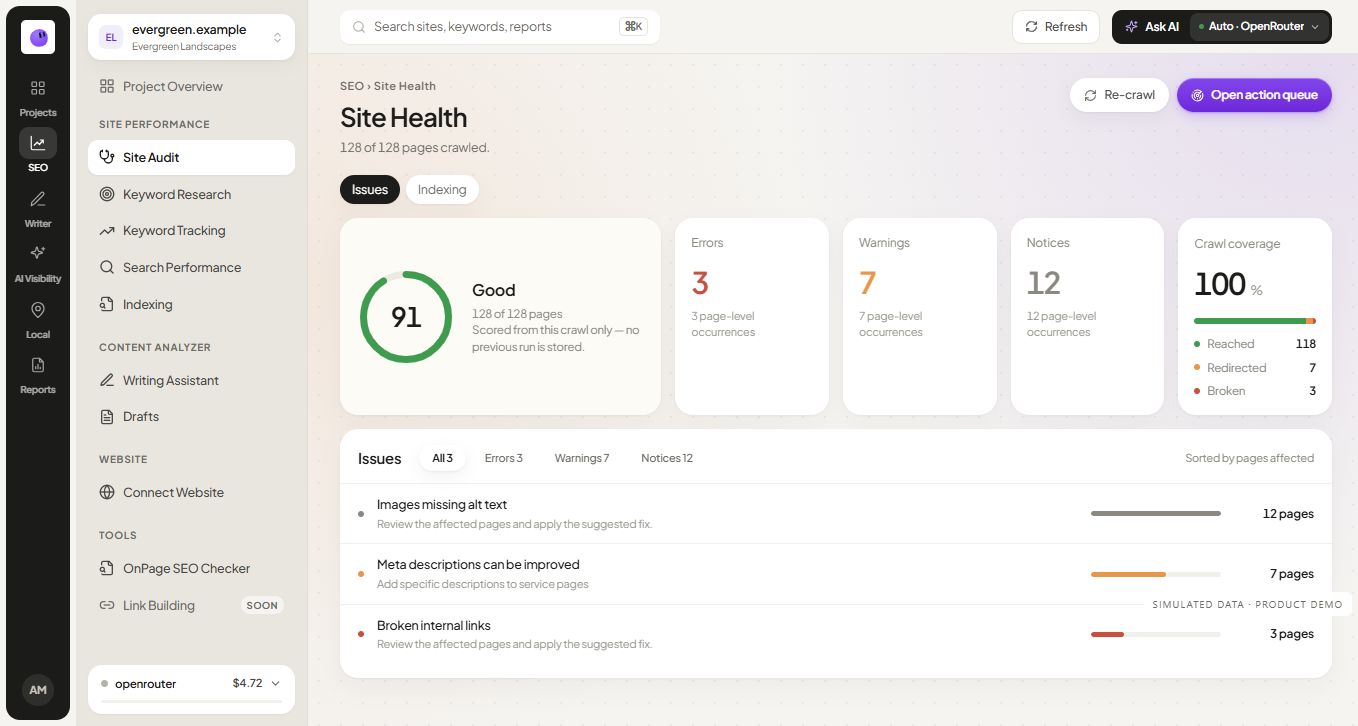
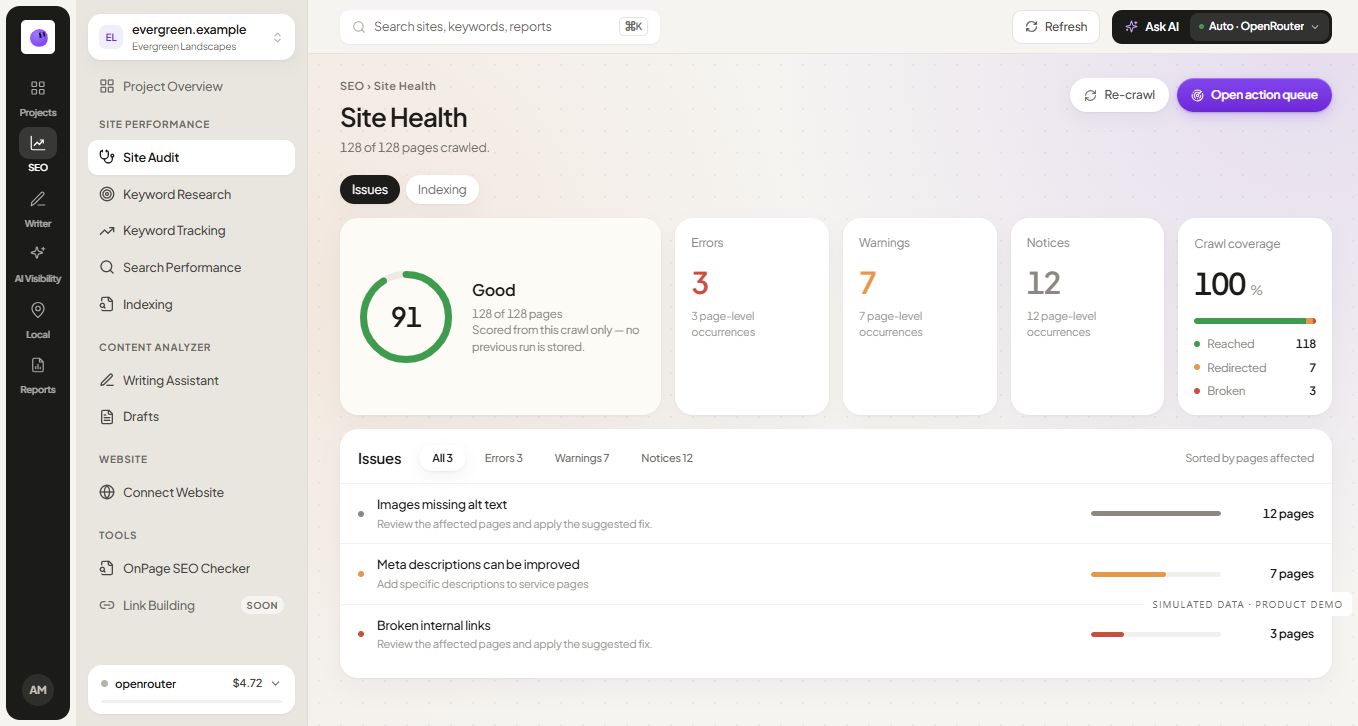
A score can describe the checks performed, but it cannot replace the findings. A website with one serious access problem may need urgent work even if many other checks pass. Read what an audit score means before using one as the report's headline.
Fields to include in every finding
| Field | Example entry | Review question |
|---|---|---|
| Finding ID | AUD-001 | Can everyone refer to the same issue? |
| URL or pattern | /services/example/ |
Which page or template is affected? |
| Observed evidence | Canonical points to an unrelated page | What did the check actually return? |
| Proposed action | Review and correct the canonical target | What needs to change? |
| Priority rationale | Important service page; investigate consolidation | Why should this be reviewed now? |
| Owner | Website developer | Who can make the change? |
| Verification | Recheck HTML and selected canonical context | What evidence will close the task? |
This is an illustrative finding, not a diagnosis of a particular website. Canonical decisions require context; do not change every cross-page canonical automatically.
How to prioritize the work
Review the likely consequence, the number and importance of affected pages, the confidence of the finding and the effort required to verify a fix. Use priority labels consistently. A useful label gives the reviewer enough reasoning to challenge the decision.
For example, a broken link in a navigation template can affect access across the site. One missing description on an old announcement may have a narrower consequence. The order should reflect the site's goals and evidence, rather than the number of warnings each tool happens to produce.
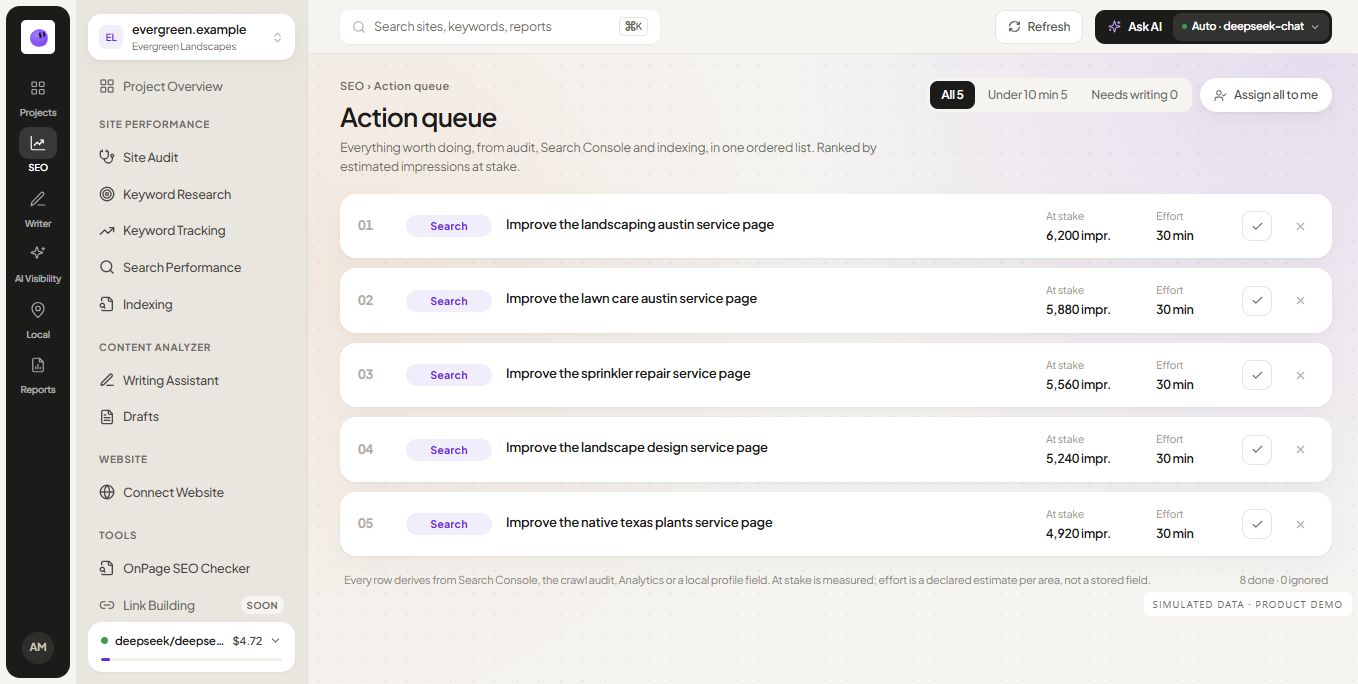
Use the issue-prioritization guide to group related findings into a manageable action list. Keep uncertain observations marked for investigation instead of presenting them as confirmed defects.
What belongs in a technical SEO audit template?
Organize checks around discovery, crawlability, indexing, canonical signals, redirects, internal links, rendered content and page experience. Attach examples and verification methods to each category. The technical audit checklist provides a sequence for that work.
Content findings need a separate layer of judgment. A title that is missing can be detected mechanically. Whether a page answers the reader's actual question requires reviewing the page and the query context. State which type of observation the report contains.
Track the result of a fix
Record when a change was made, what was changed and when it was checked again. Close the issue when the relevant technical behavior is corrected. Keep search-performance follow-up separate, because a technical fix and a later traffic change do not automatically establish cause and effect.
If an issue cannot be reproduced, preserve the original evidence and note the new result. That is more useful than silently deleting the finding. Temporary failures, changed content and different tool settings can all explain why observations differ.
Choose an audit report, checklist or monthly report
Use this audit report when the deliverable is a diagnosis and repair plan. Use the technical checklist to run checks, and the monthly SEO report template to explain performance over time. They answer different questions and can be used together.
The download is a Markdown worksheet with editable fields. Copy it into your document workflow and check the layout before sending it to a client. It does not fetch data or run an audit by itself.
Build a client-ready recommendation from a finding
Give the executive summary three parts: the business consequence, the strongest verified evidence and the next action. Attach the detailed affected-URL register as supporting material. The developer needs reproducible behavior; the owner needs to understand why the work is worth doing.
Fictional example: the mobile quote form cannot be submitted on the service template. Evidence consists of the tested URL, device/browser, time and reproduction steps. The recommendation is to repair validation on that template and retest submission. “Increase the SEO score” would not describe the required outcome.
For an ecommerce audit, add category/product template samples, variant URLs and purchase-path checks to the scope. For a local service site, include service/location accuracy and the inquiry path. These are adaptations of one worksheet, not reasons to generate near-identical template pages.
Questions about audit reports
Can this worksheet be used as a free SEO audit template?
Yes. The fields work for a manual audit or findings from an automated crawl. Replace the illustrative entry with your evidence and adjust the categories to match the scope agreed for the website.
Does every warning need a fix?
No. Review the purpose of the page, the inspected evidence and the likely consequence. Some warnings are informational or context-dependent; document that decision so the next reviewer understands it.
How do I verify the report is complete?
Confirm that the agreed audit scope was covered, important findings have evidence and owners, and the proposed actions can be verified. Completion does not mean every possible SEO topic has been checked.
Where should I begin?
Run a focused page check, then use the full audit workflow when the issue may affect multiple pages. Keep the report tied to the actual work you can complete.