Check a public page
Read the evidence before changing the page
Open the result for each finding. Confirm the affected element and decide whether the observation represents a real problem for this page. A missing description may be worth writing; an intentional noindex directive on a private utility page may be correct.
If the page cannot be retrieved, fix the access or URL issue before interpreting the result. An inaccessible page is not a completed audit with a zero score.
What a page check can help you do
Use supported findings to inspect page information, understand an issue and choose a follow-up task. Compare the result with the visible page and, where necessary, the rendered page or source. The exact checks available are listed with the output.
A public page check does not access your private analytics or verify every URL on the website. Search Console, a full crawl and conversion data can answer questions that the retrieved page cannot.
Example: a description that no longer matches the page
Suppose a service page now offers landscape maintenance, but its description still promotes a discontinued installation package. A useful change is to describe the service that the page actually offers and the area it serves. Adding a keyword to the old description would leave the mismatch unresolved.
This is an illustrative example, not a measured customer result.
What to look for in the result
Read each returned finding as an observation about the submitted page. Common page-review subjects include the title tag, meta description, heading structure, canonical URL, indexing directives, image alternatives and internal links. This is a reading guide; only fields actually returned by the checker should appear as completed tests.
For a missing description, inspect whether the page already explains its purpose clearly and write an accurate summary. For a canonical warning, confirm the relationship between the page and its declared preferred version before editing it. For a link issue, follow the destination and decide whether the intended resource still exists.
Free page check or recurring project analysis?
Use the public form for a focused question about one reachable URL. Use on-page review inside a project when the work needs target-topic context and a follow-up workflow. Use a website audit to investigate patterns across multiple pages. The three scopes should not be compared as if they tested the same thing.
What should you fix first?
Start with problems that prevent people or search systems from reaching the intended content. Then consider the page's business value, the evidence for the issue and the effort required. Keep a record of the existing behavior so you can verify the fix.
Use the audit worksheet to record actions, or read the technical audit checklist for a broader review.
Is this a complete website audit?
This is a starting check of the submitted public page. Use the SEO audit workflow when you need to investigate a wider set of URLs and recurring issues.
Does a good score mean my page will rank?
No. A score summarizes the checks performed by that tool. It does not establish search demand, relevance, competition or future rankings.
Can I check a page that requires a login?
A public checker needs access to the submitted page. Do not submit private content or expect a logged-in view to be available through a public URL check.
What should I do after changing the page?
Check the live page, confirm the intended change and rerun the relevant check. Keep the date with your notes so later performance reviews have context.
Continue your workflow
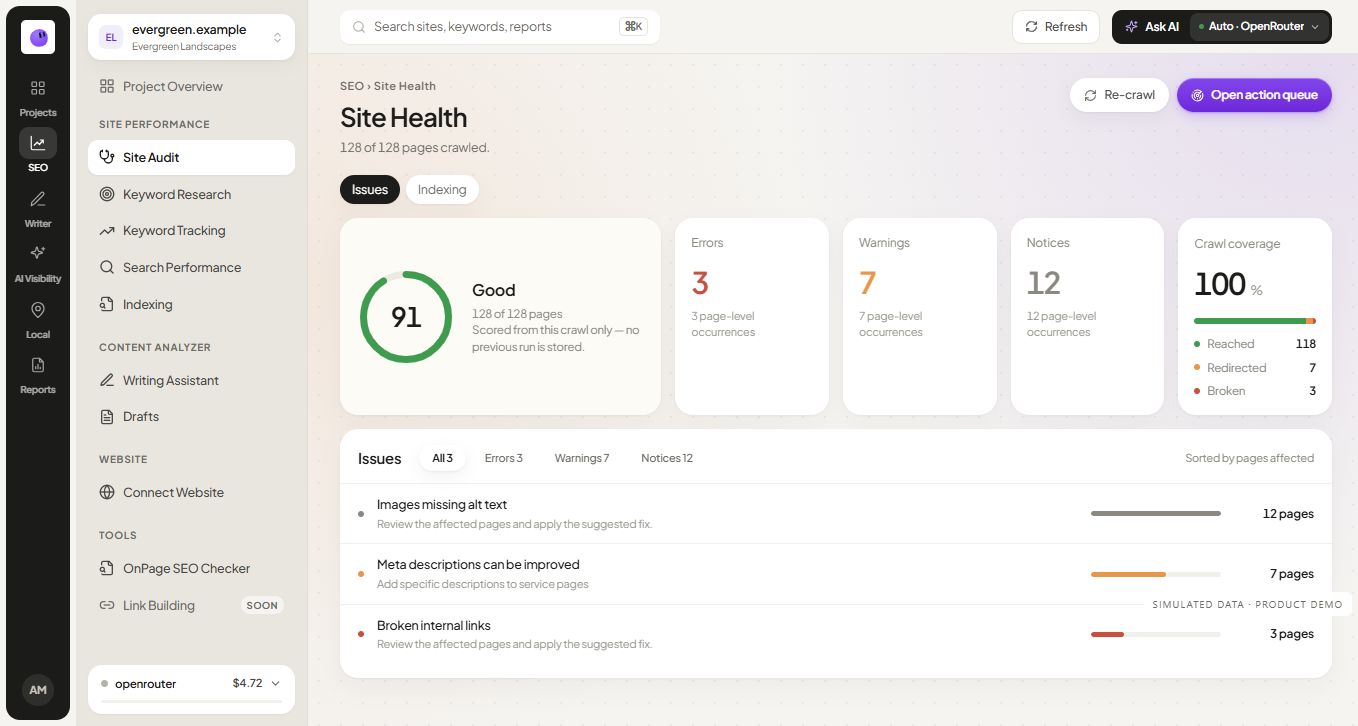 Simulated data
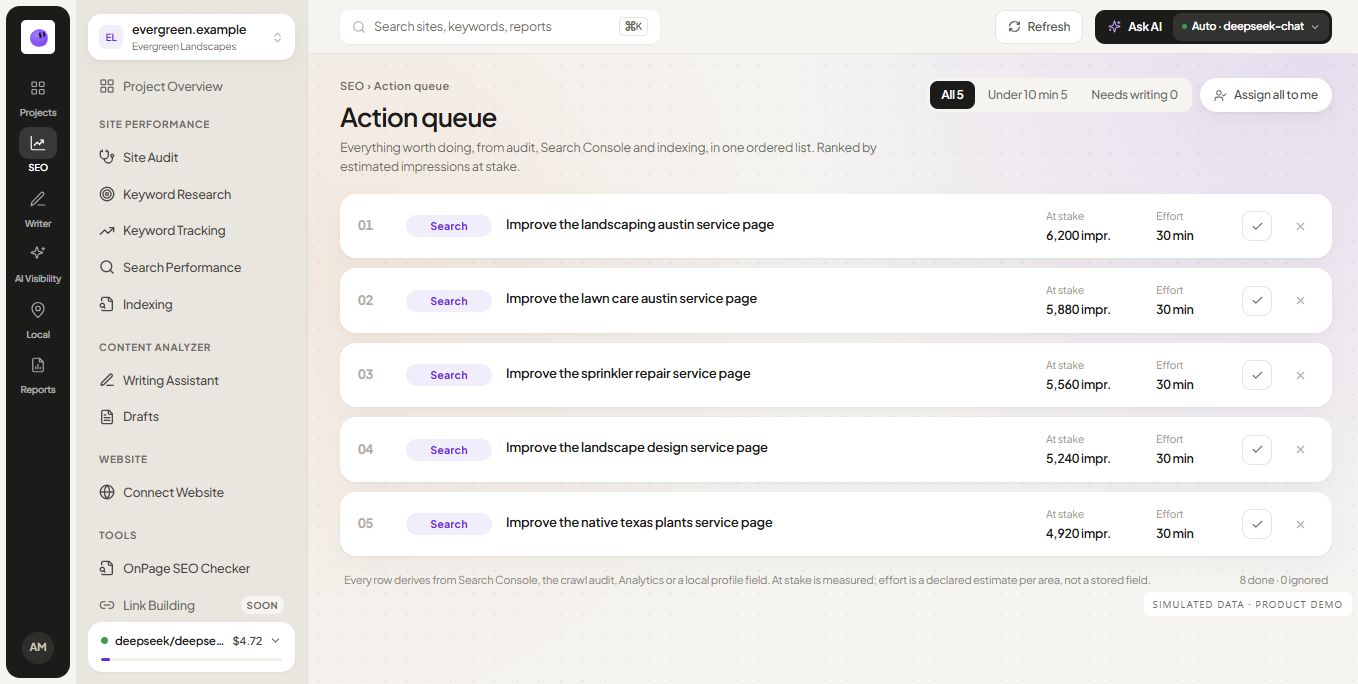 Simulated data