Prepare your metadata
Free browser-based formatter. No AI model call or account required. Your text stays in this page; it is not sent to a generation service. English interface, unlimited local drafts.
Include only facts supported by the page. This formatter runs locally in your browser and has no account requirement or usage quota. It uses the wording you supply; it is not an AI writer.
Give the draft a useful starting point
Summarize what the visitor can actually do or learn. Include the specific service or resource, relevant location and any important limitation. Do not add a discount, free offer or result that the page does not substantiate.
For example, “a worksheet for agency owners to summarize monthly SEO results” gives the generator more useful context than “write a high-converting SEO description.”
Review the suggested title and description
Check whether the title identifies the page and whether the description explains its value. Remove repetition. Keep a target phrase when it reads naturally, and preserve the distinction between this page and similar pages on your site.
The preview and character count are editing aids. Google may generate different title links or snippets, and display length varies. Its documentation explains title links and search snippets.
An illustrative metadata example
Page: a free, editable SEO reporting worksheet.
Title: SEO Report Template for Clear Monthly Client Updates
Description: Use an editable SEO report template to summarize search results, explain important changes and give clients a clear plan for the next month.
The draft identifies the resource and its purpose. It does not promise rankings or imply that Google must show this exact wording.
Supply facts that make the descriptions different
Include the page type, specific subject, audience and supported next action. For a service page, that may mean the actual service area and quote process. For a guide, describe what the reader will learn. For a tool, describe the result it can produce and the important scope limit.
Choose language and tone for the intended audience. A US-English example should not silently become a promise that every language or market is supported. The active form must state the available options.
Where do I put the approved description?
Use your CMS's page-specific SEO description field or the appropriate meta-description implementation. Then inspect the public HTML for the approved value. Do not paste a description into the visible page heading and assume that updates the metadata.
Why might Google show another description?
The search snippet can be assembled for the query from page content. A useful preview helps with editing, but it cannot force the same text or truncation on every search result. Keep the page's visible information consistent with the metadata.
Check the live page after editing
Place the approved metadata in the correct fields in your CMS. Inspect the public page for conflicting or duplicated output from plugins and templates. A draft is useful only if the intended version reaches the page.
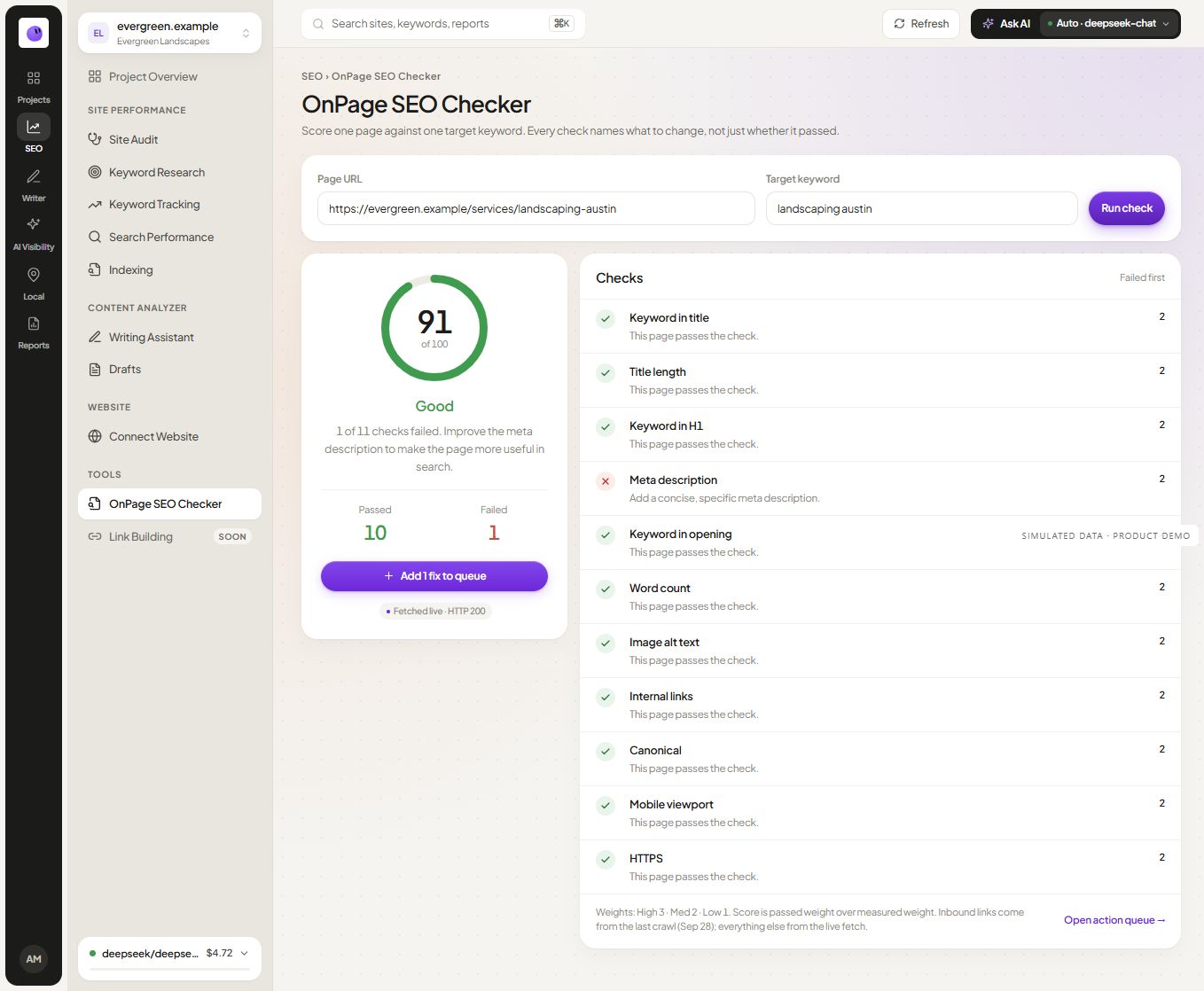
For a broader page review, use the SEO checker. For writing context, read how to write useful meta descriptions.
Will the generator improve my rankings?
It helps prepare wording. It does not measure whether the page deserves to rank or guarantee a particular search result.
Should every description be the same length?
No. Write a useful summary for the page and inspect the preview. Treat length guidance as an editing constraint, not a ranking threshold.
Can I reuse the same description across pages?
Give distinct pages descriptions that reflect their actual content. If two pages cannot be described differently, revisit whether they serve different purposes.