Explore the client workspace · Plan agency reporting
Make the project boundary clear
Give each project an identifiable website and business context. Confirm which client it represents and which source properties belong to it. A tidy naming convention helps, but it does not replace checking the actual connections.
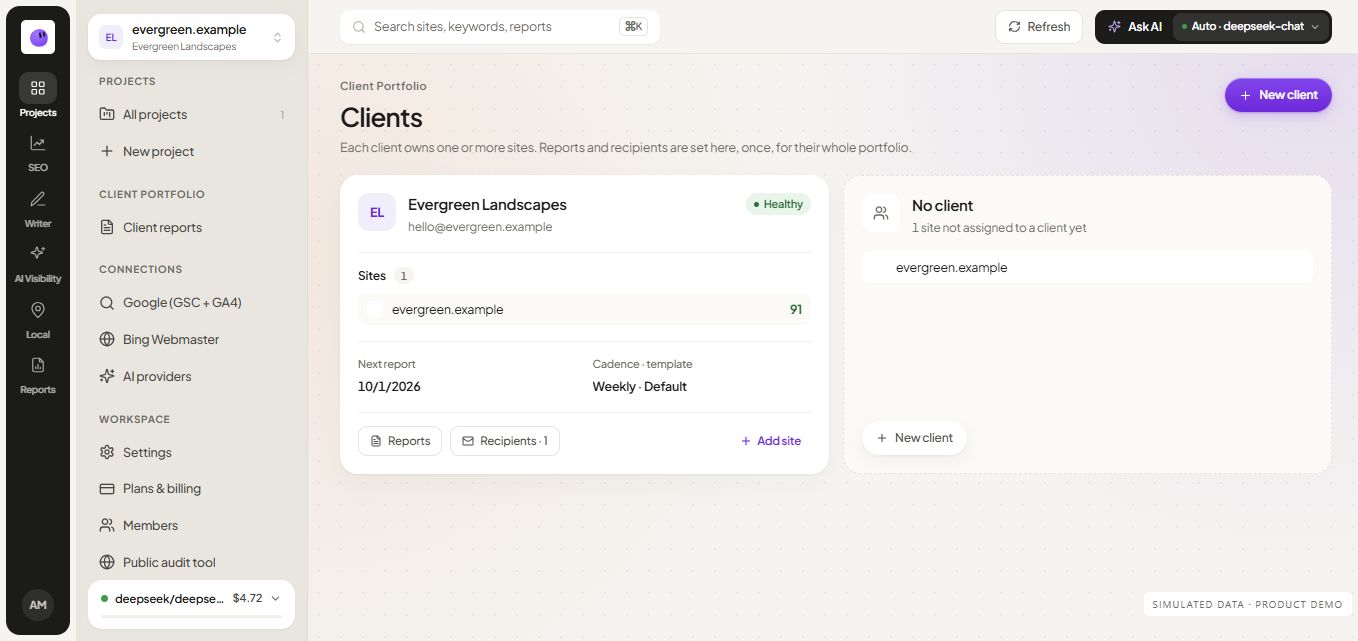
If one client operates multiple websites, keep the relationship documented. The team should know whether a report concerns one domain, a location or a broader portfolio. Avoid mixing source data simply because the accounts share a similar name.
Connect the sources with authorization
Use accounts and properties you are permitted to manage. Review the available source connections and keep their status visible in the project. A disconnected source should trigger an investigation, not an assumption that the website has no activity.
When a client engagement changes, review access and reporting destinations as part of the handoff. The workspace should reflect the current team and the current scope of work.
Coordinate work around evidence
Move from a project summary to the issue or report that needs attention. Keep the finding, the proposed action and the verification together. Use the audit workflow when a website problem needs investigation and the content workflow when the next step is a page or article.
Illustrative handoff: A consultant reviews the evidence for a service-page issue, a developer makes the agreed change, and the consultant verifies the result before describing it in the client report. The project context should make the website and intended outcome clear throughout.
Keep reporting responsibilities explicit
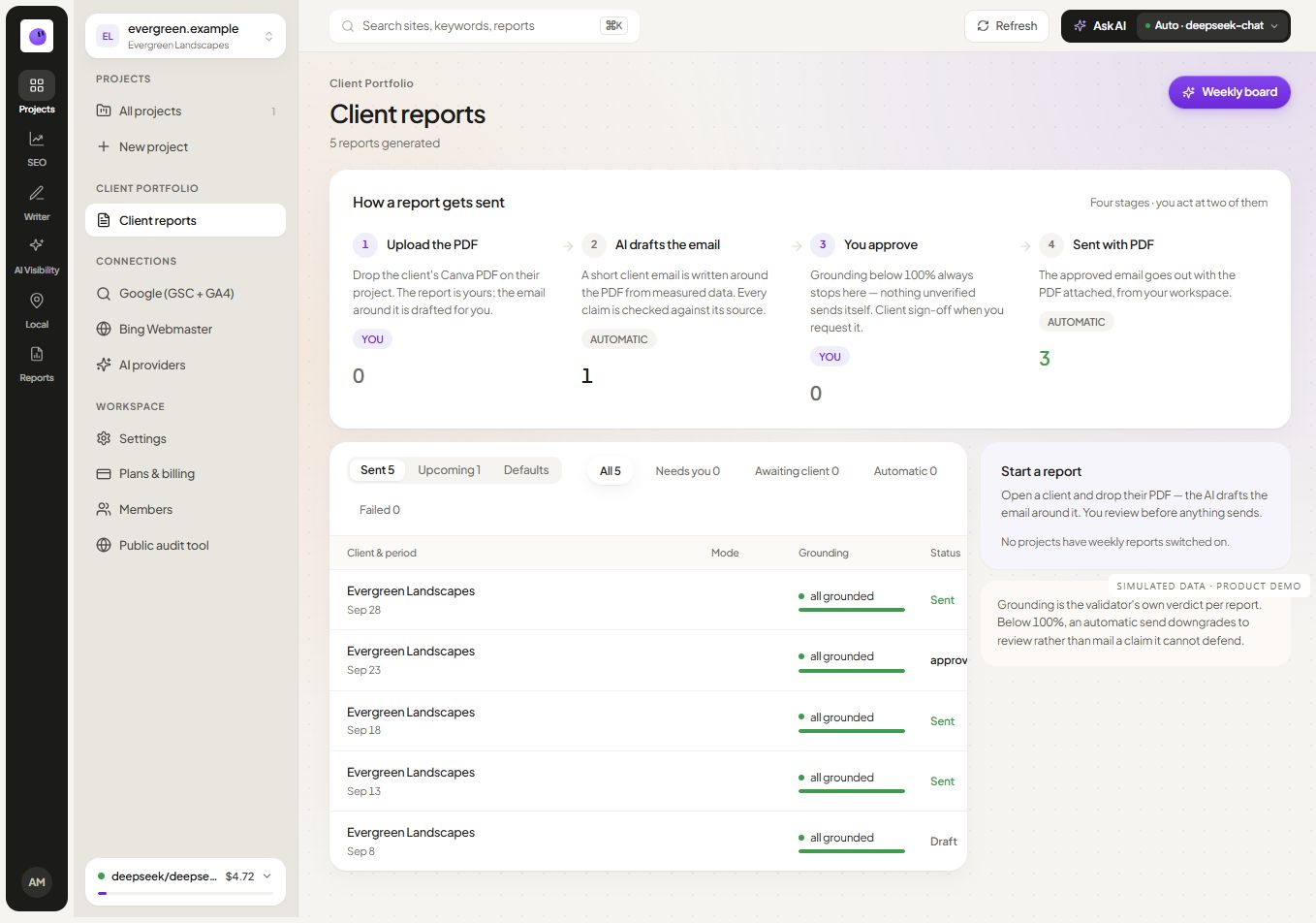
Decide who prepares the narrative, who checks it and who handles delivery problems. Use scheduled reports for recurring delivery, then inspect the outcome rather than assuming a schedule guarantees a successful send.
Review current workspace and plan limits before adding websites or teammates. Confirm the available access controls for the selected plan; do not assume a specific permission model without checking it.
Distinguish the client, website and connection
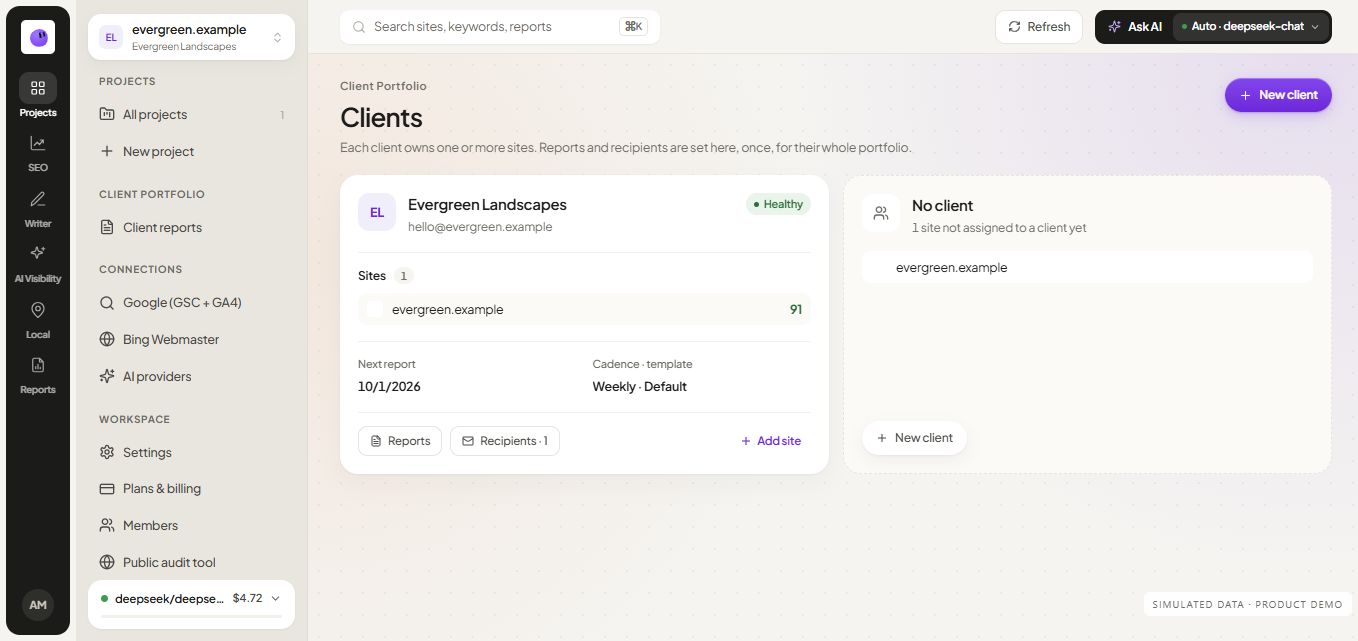
A client is the business relationship. A website is the property being worked on. A connection is authorized access to a particular source. Keeping these concepts distinct prevents a report for one website from inheriting another property's data or recipients.
Before a client handoff, review the website list, responsible team members, connected properties, active reporting schedules and publication destinations. Record open tasks and access changes. Confirm the controls available in the product before assuming a particular permission or approval model.
After the handoff, run a representative review using the new owner's access. Check the correct project and source period rather than treating a successful login as proof that the workspace is ready.
Frequently asked questions
Can I start with one client?
Yes. Begin with one website and establish a repeatable setup and reporting process. Add more projects when the team can manage the same checks consistently.
Should every teammate connect the same sources?
Use the workspace's supported connection and access model. Keep responsibility clear and avoid unnecessary duplicate setup. Verify the active account and property before changing a shared connection.
What should a client handoff include?
Document the website, relevant source properties, reporting audience, active work and open issues. Review access and destinations when responsibility changes.
How do I keep the portfolio useful?
Use it to identify the projects needing a decision. A portfolio view should lead to the actual findings and report context, not replace their review.