Create the right project structure
Use a project for the website you are managing. Confirm its preferred domain, target market and business purpose. Choose names that make it easy to distinguish clients and locations without opening every project.
Connect sources you can verify
Select the intended Search Console and analytics properties. Confirm that the connection returns the expected website and time period. An authorized connection to the wrong property is still the wrong reporting source.
Make ownership clear
Decide who prepares work, who reviews it and who can authorize publication or delivery. Check the permissions available in your account before designing a process around a particular role. Team capacity and feature access depend on the current plan.
Keep handoffs useful
Leave the affected URL, evidence and expected outcome with a task. A teammate should be able to continue without reconstructing why it exists. When a change is complete, record how it was checked.
Review the portfolio without losing context
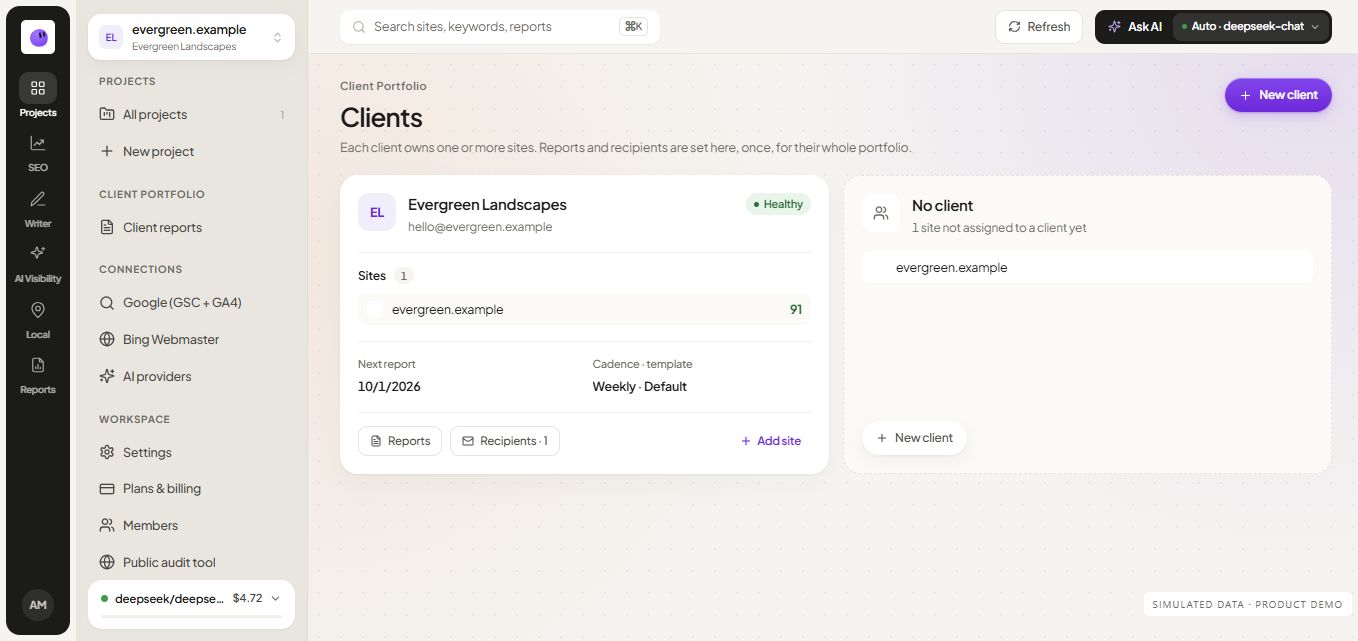
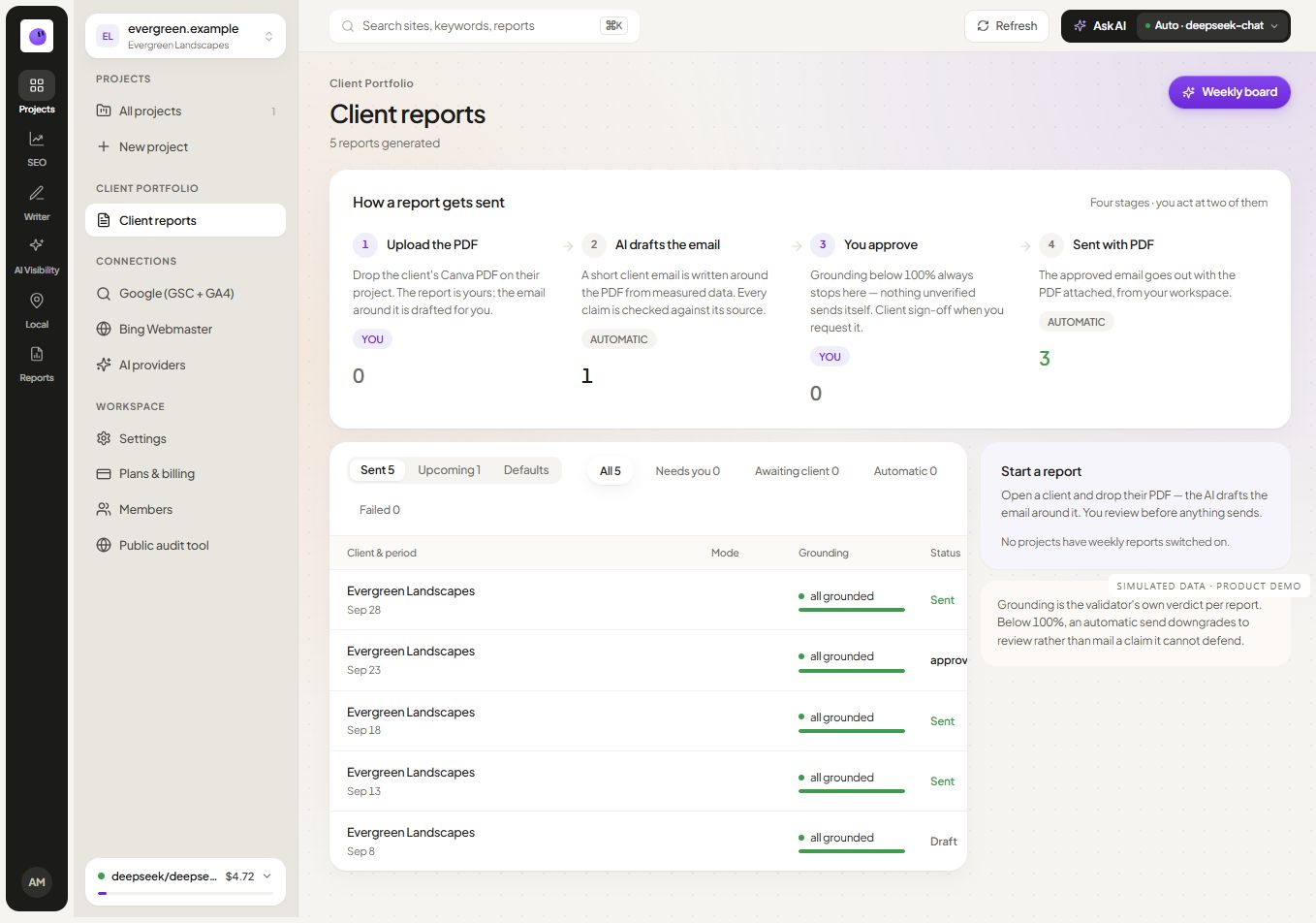
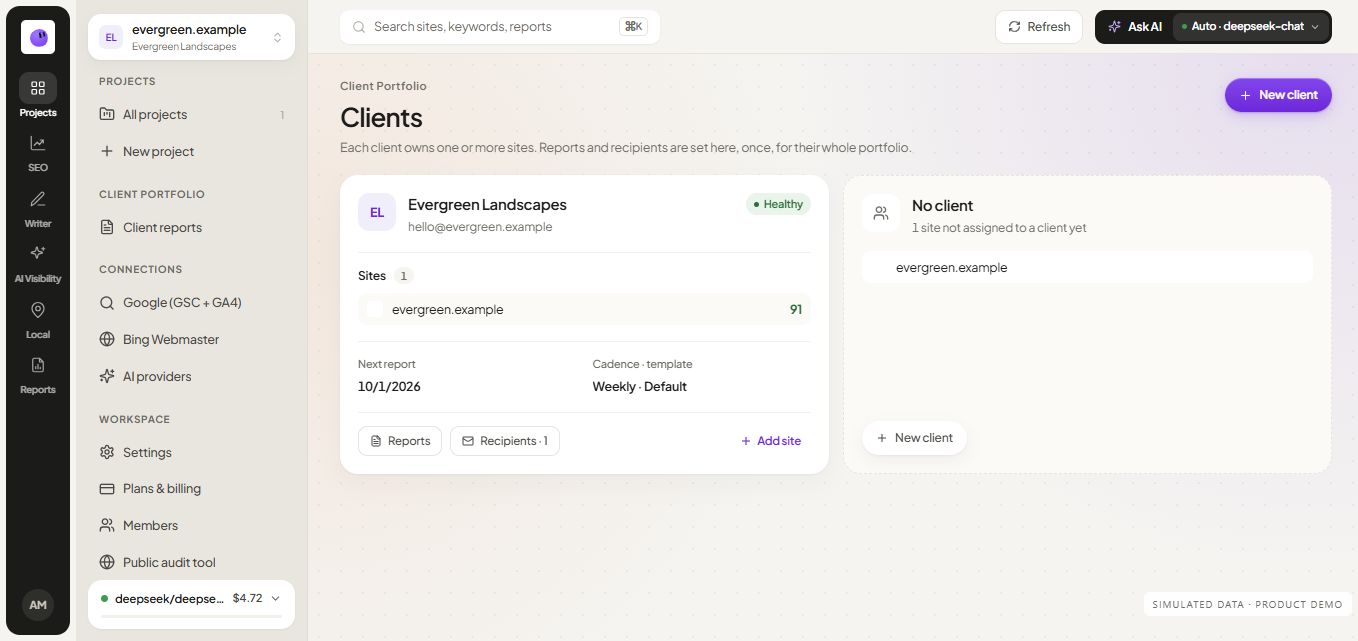
Use client management to organize recurring client work, then open the relevant project to investigate details. A portfolio summary should lead to evidence rather than obscure missing sources or overdue decisions.
Explore pricing for current project and seat limits. For the first operational workflow, start with SEO, content or reporting.