Choose the correct property
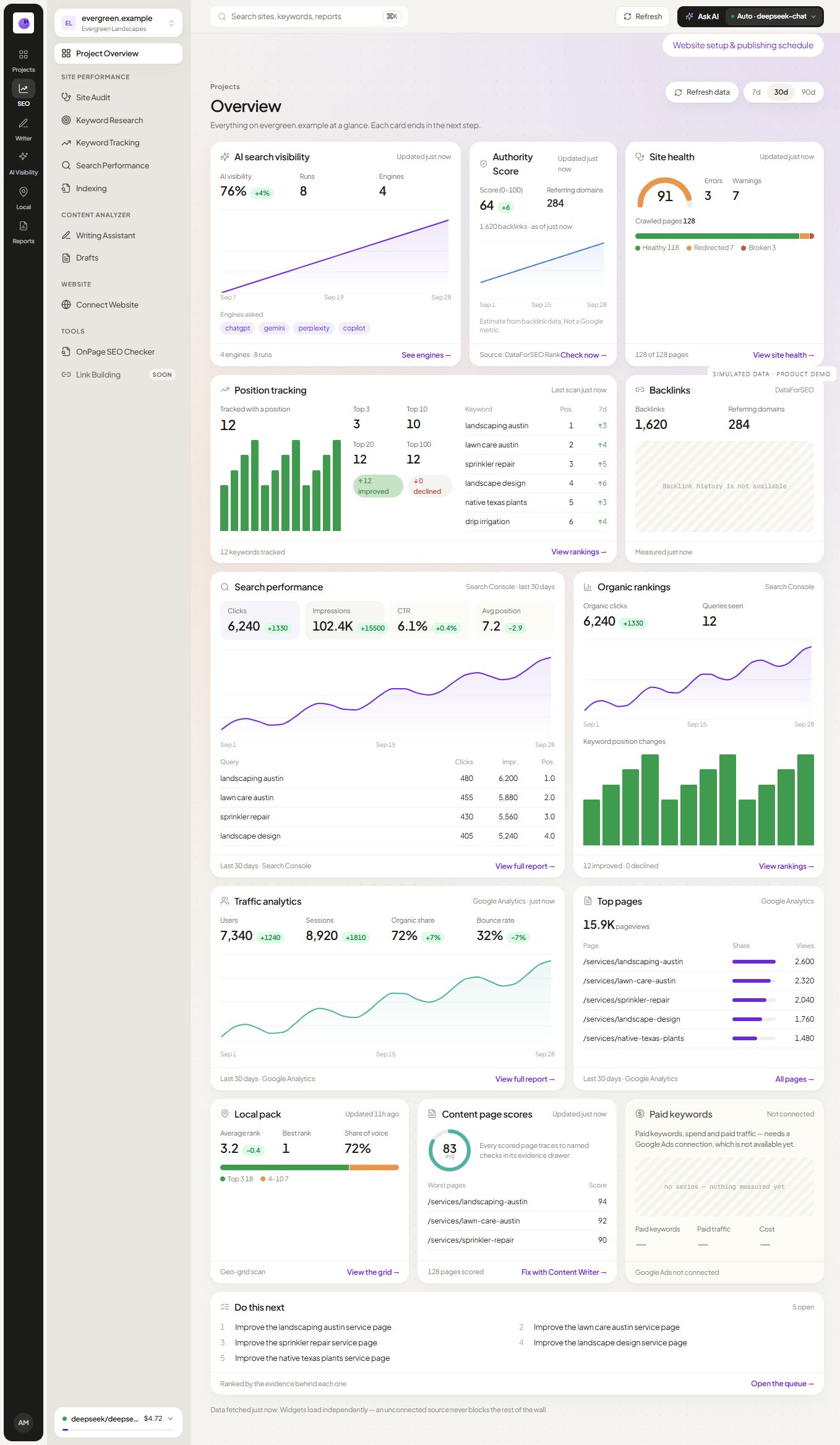
Connect an authorized account and select the GA4 property that belongs to the website. Confirm the stream and available period where the setup exposes them. A successful connection does not guarantee that the underlying event implementation is correct.
Define the business outcome
Decide which tracked actions matter to the business. A completed inquiry is different from a button click, and an automatically fired event is not necessarily a qualified lead. Verify the source event before presenting it as an outcome.
Read trends with their context
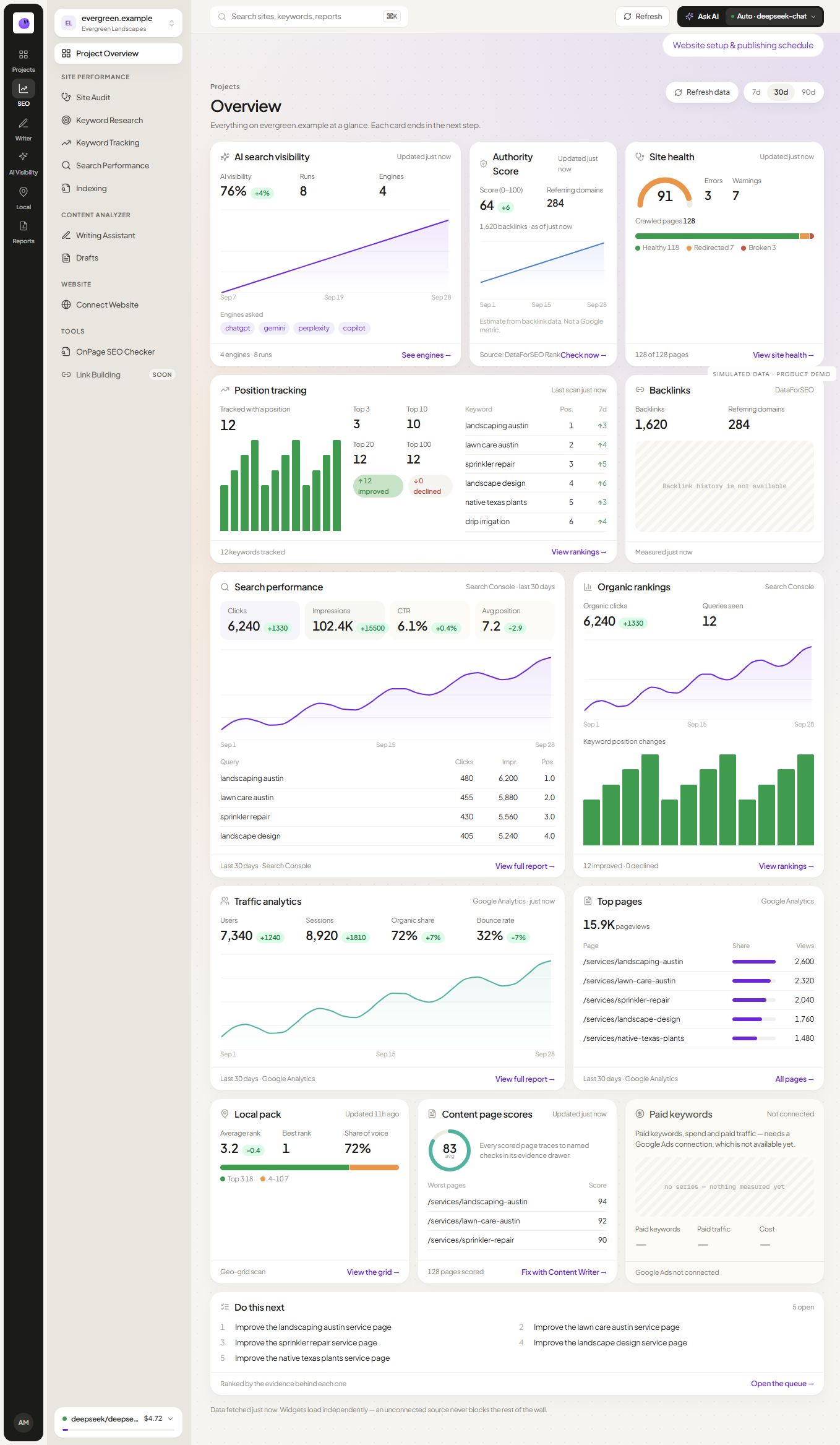
Record consent, tracking and website changes that could affect the series. Compare equivalent periods and explain partial coverage. If a source is unavailable, keep the gap visible rather than treating it as zero activity.
Combine sources without conflating them
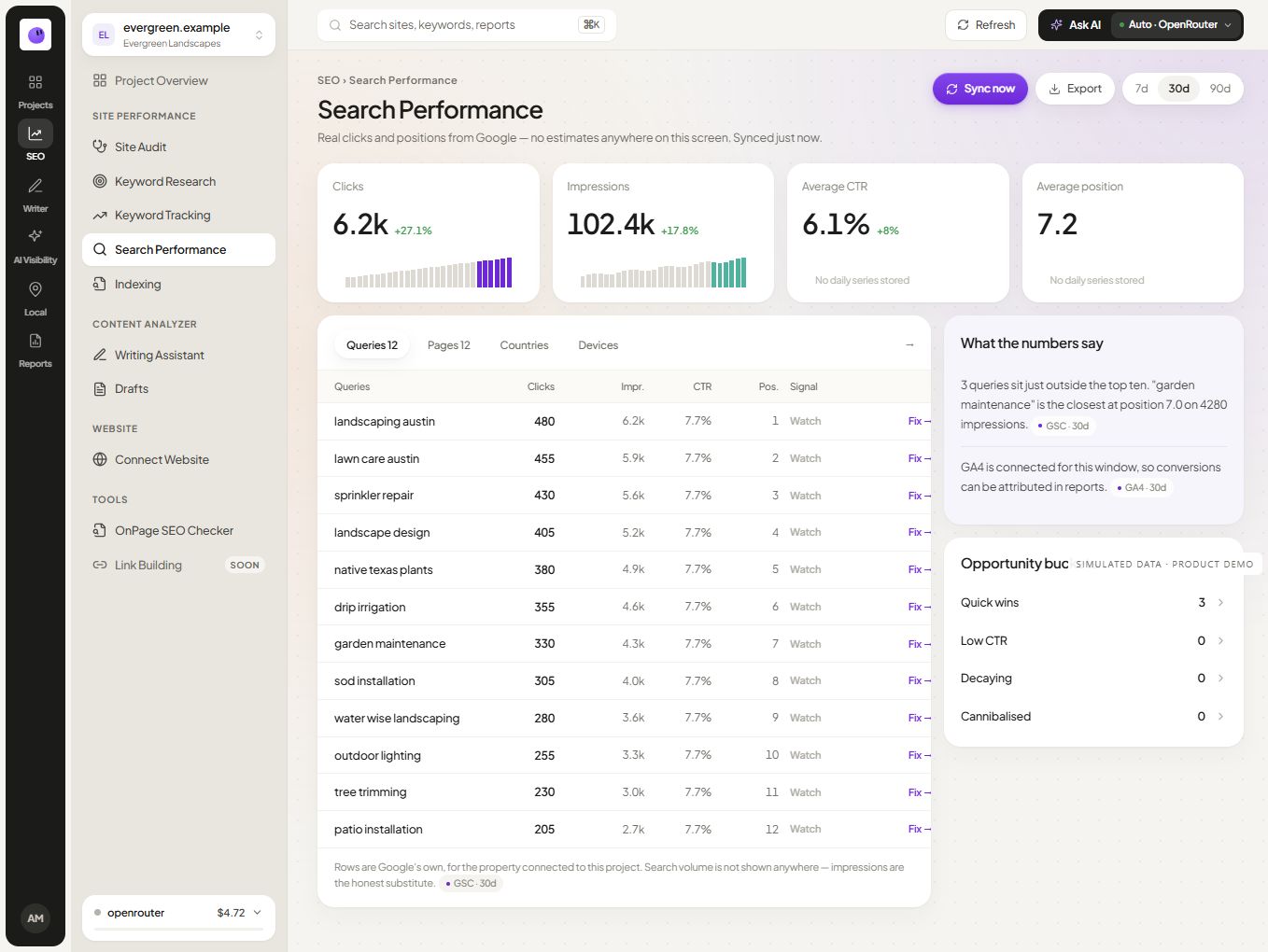
Search Console explains supported Google Search observations, while analytics describes activity recorded on the website. Their totals can differ. Use each for the question it can answer and investigate material discrepancies.
Turn the review into a decision
Identify the page or visitor task that needs attention. Test a broken form directly, examine an unclear service explanation or verify an important navigation path. Use the reporting guide to explain what changed and what remains uncertain.
Can RankZap verify every event in my GA4 setup?
A reporting connection cannot establish that every event was implemented correctly. Check the event behavior on the site and the supported data in your account before relying on it.
Does a rise in traffic prove revenue growth?
Traffic and revenue are different measurements. Use verified business data and an appropriate attribution method before making a revenue claim.
Check channel and event definitions before comparing reports
Specify whether the report uses a session acquisition view, another attribution scope or a selected event definition. Do not mix those scopes under one “organic conversions” label. A change to consent or tagging can also change the measured record without a matching change in actual demand.
For a fictional quote form, test whether a successful submission fires the intended event once and whether validation failures are excluded. Then verify that the report uses that event. This is a measurement workflow to perform in the relevant systems, not a claim that connecting RankZap automatically audits the GA4 implementation.