Connect the intended property
Use an account authorized to access the website's Search Console property. Select the property that matches the project and confirm that the returned data belongs to the intended site. Keep the property and reporting period visible in your review notes.
Begin with a specific question
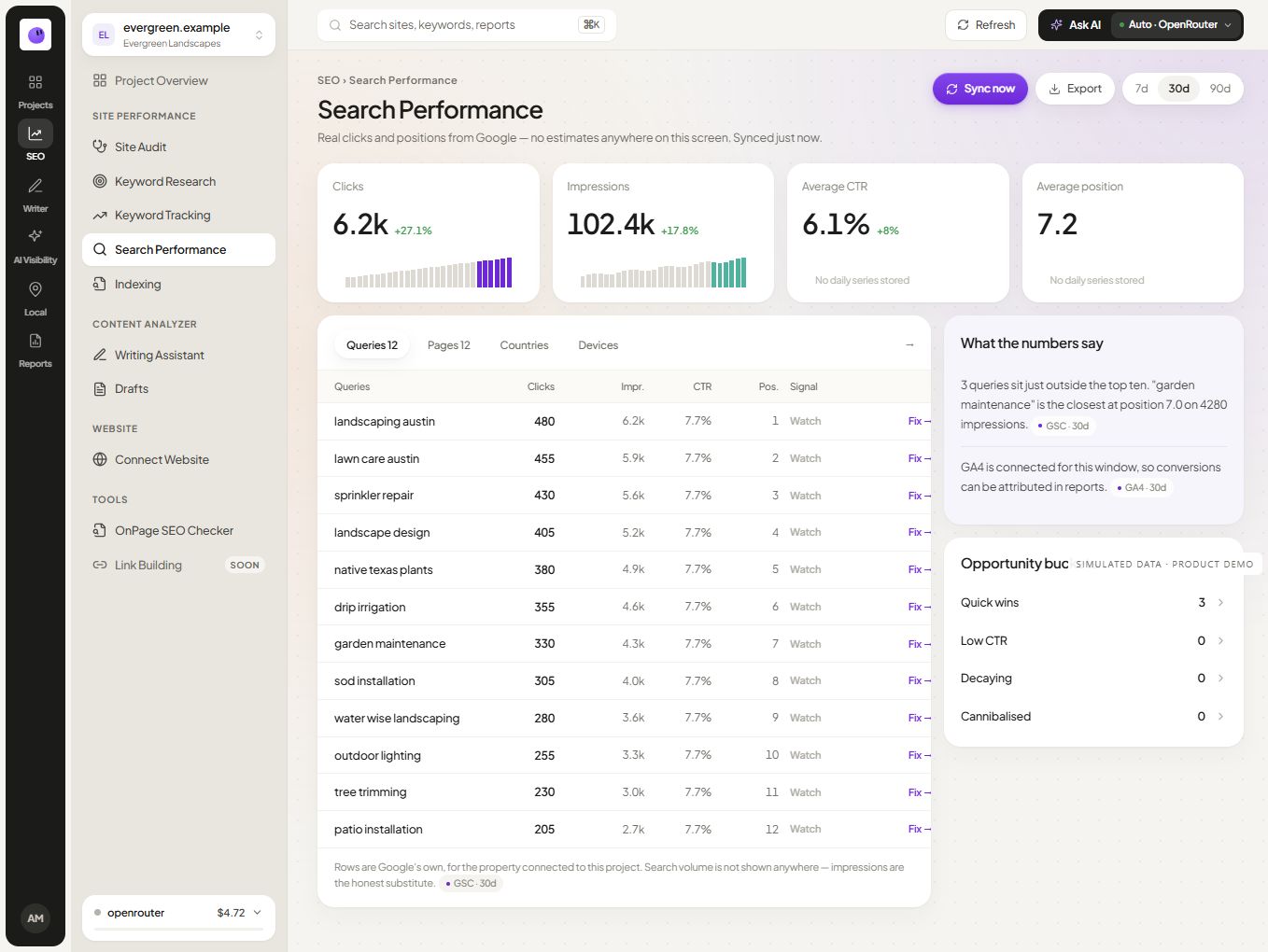
Choose the page group or query theme that matters to the business. Review supported clicks, impressions and other available measurements in context. A whole-site average can obscure movement on an important service page.
Investigate the relevant pages
When a page needs attention, connect the performance observation with its content and audit findings. Confirm the issue before choosing a change. A fall in clicks does not automatically establish a technical defect or a need to rewrite the page.
Keep source definitions clear
Search clicks and analytics sessions describe different measurements. Do not alter one to force a match with the other. Record filters, gaps and relevant tracking changes when explaining a difference.
Bring the evidence into a report
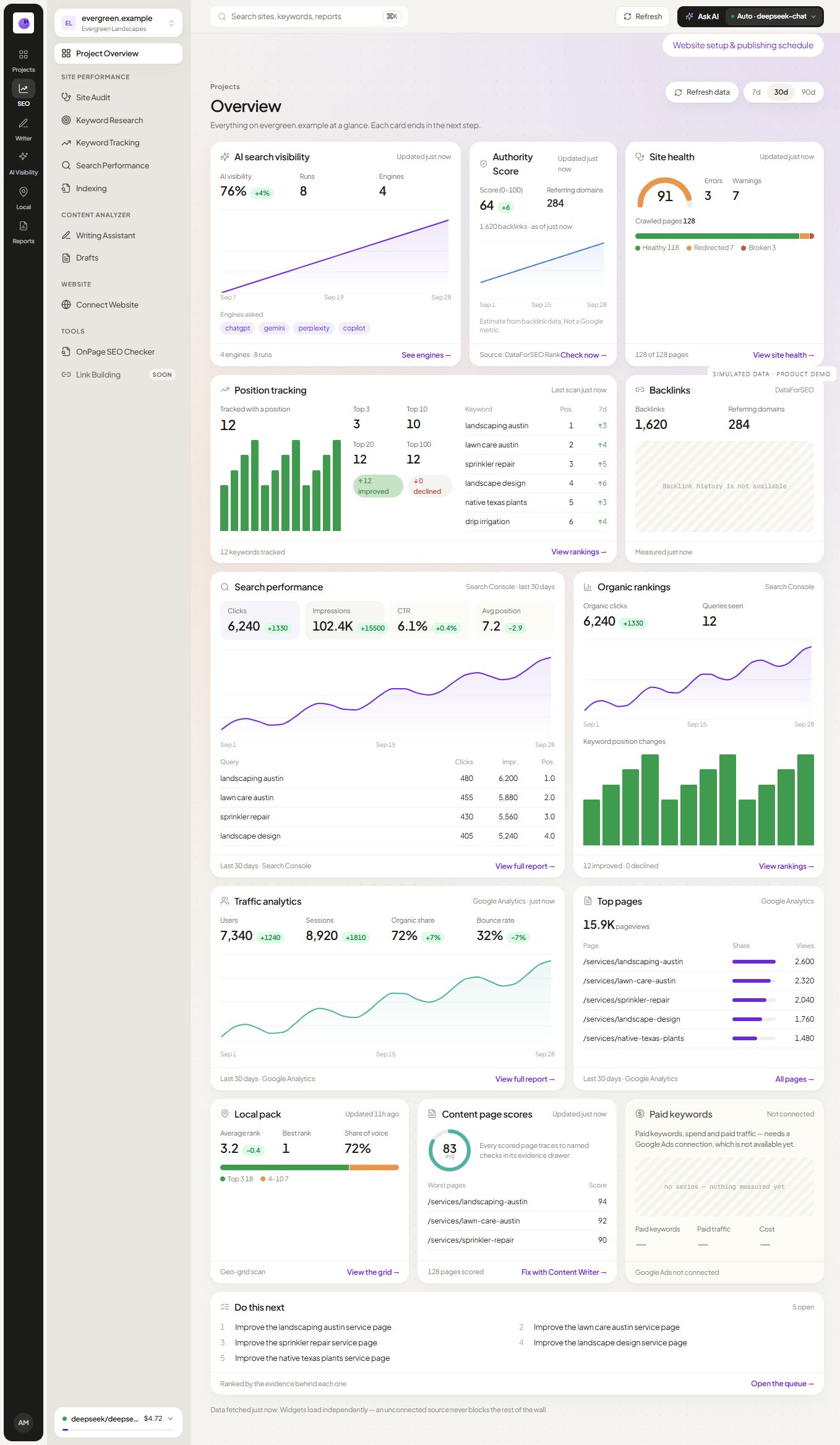
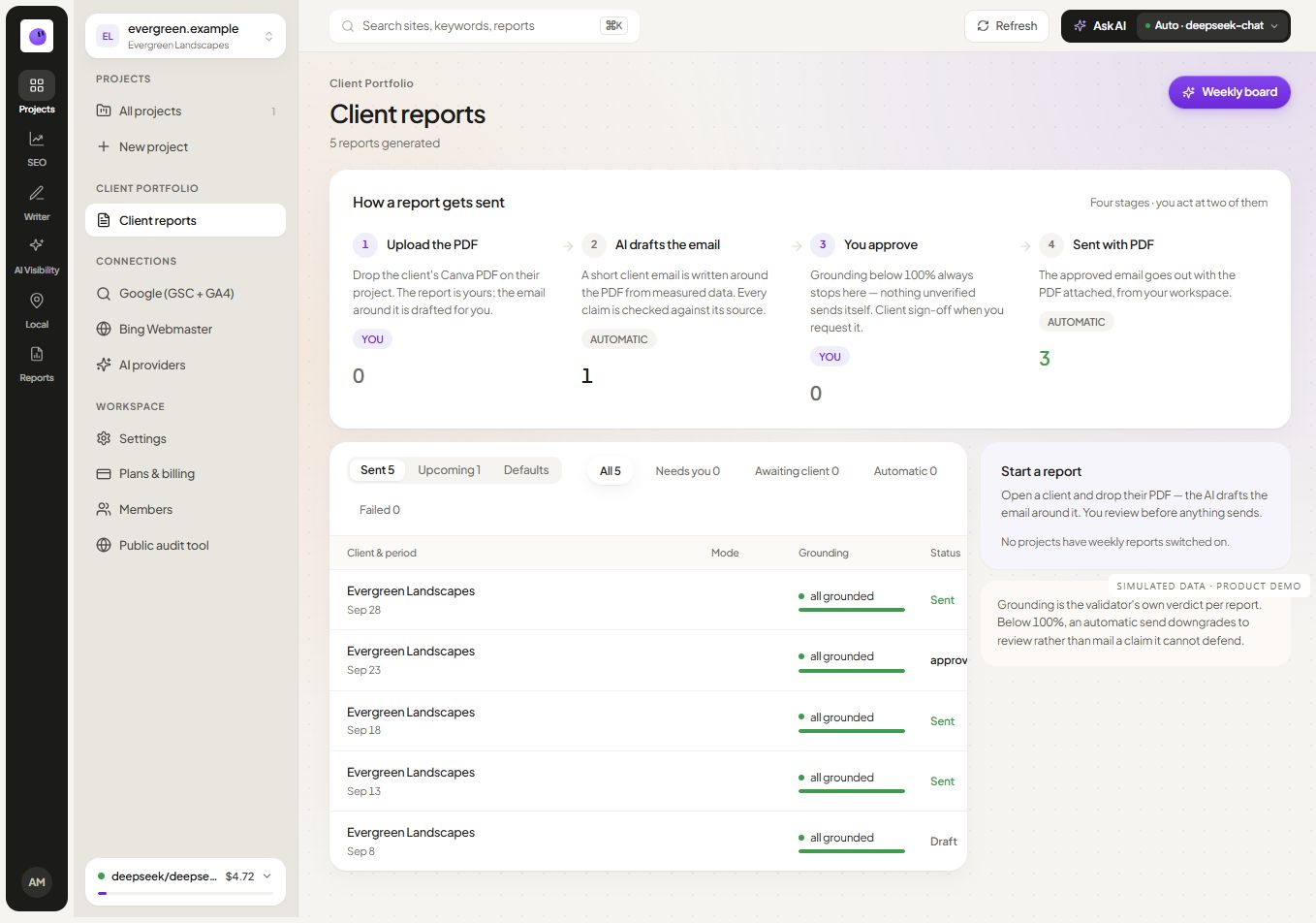
Use the reporting workflow to explain the observation, interpretation and next action. The SEO report template gives the client a concise structure for following the result.
Does connecting Search Console fix indexing issues?
A connection provides access to supported information. A finding still needs investigation and an appropriate change; search engines make their own indexing decisions.
What if the expected property is missing?
Check the signed-in account's access and confirm the website property. Avoid connecting a similarly named property merely to complete setup.
Decide which Search Console question you are answering
Clicks and impressions describe search response and exposure for the selected scope. CTR relates the two. Average position summarizes recorded appearances; it should not be treated as a fixed live rank for every searcher.
Use the available query and page context to investigate a question such as “Which landing pages gained relevant clicks?” Keep country, device and date scope visible when the report supports those dimensions. Do not imply that a reporting connection exposes every Search Console feature, every withheld query or a complete indexing diagnosis.
For a page that appears under several URL forms, check canonical context before treating each form as a separate content opportunity. Keep the reporting guide for interpretation and the technical checklist for the access/indexing investigation.