This comparison is published by RankZap and uses public documentation reviewed October 1, 2026. We have not run an independent hands-on benchmark of both products. It does not establish a speed, accuracy or price winner.
When to investigate AgencyAnalytics
AgencyAnalytics documents scheduled marketing reports, branded report output and a distinction between live web reports and PDF snapshots. Those capabilities make it a candidate for teams whose central requirement is recurring client reporting. See its reporting guide.
Confirm the sources and controls in your eligible plan. Open the result as a client would and verify what changes after delivery. A live view and a fixed snapshot serve different review needs.
When to investigate RankZap
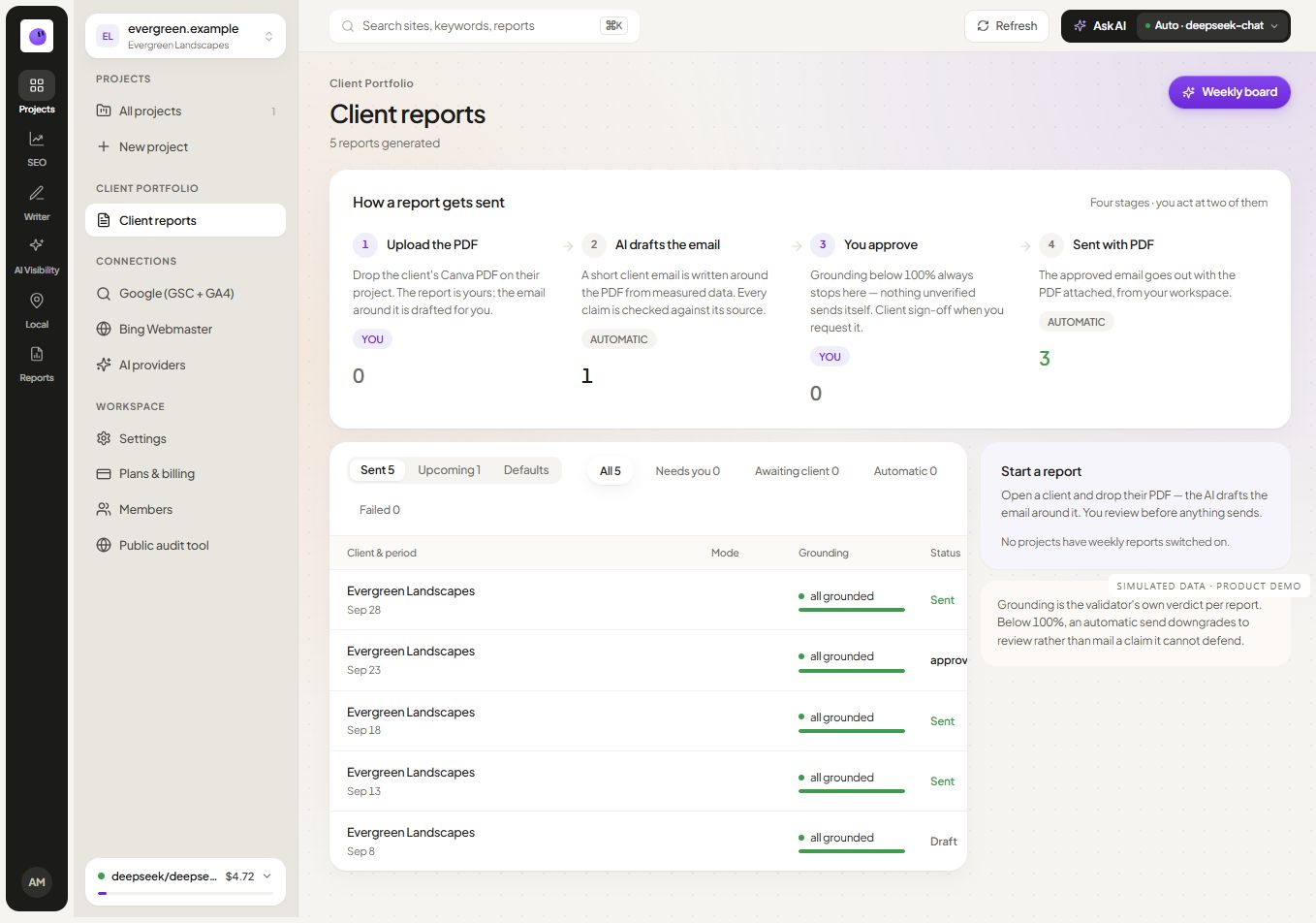
RankZap brings audits, content workflows and reporting into website project context. Evaluate it when the same team investigates a page, prepares the next action and explains the work to the client. See reporting for agencies.
Review current plans and the supported source scope. In particular, RankZap's public listing work is not private Google Business Profile performance access. Confirm that the product covers the data you actually need before switching.
Use a shared evaluation worksheet
| Requirement | Evidence to collect from each product |
|---|---|
| Source coverage | Correct property and required metrics in the report |
| Branding | Actual client-facing output on the eligible plan |
| Review | Who checks the draft and what happens before delivery |
| Missing data | Visible handling of a disconnected or incomplete source |
| Delivery | Verified output, recipient and status |
| Budget | Current subscription, usage and manual work |
Do not treat an untested feature as absent. Mark it “needs verification” and resolve it through the current documentation or your trial.
Make the decision around the workflow
Keep AgencyAnalytics on the shortlist when its reporting workflow fits the required deliverable. Include RankZap when connected SEO execution and content work are material requirements. If neither test meets a mandatory source or review need, keep looking.
Use the SEO report template to standardize the test and the affordability guide to compare recurring costs.
Preserve the client reporting contract when switching
For an AgencyAnalytics comparison, start with the deliverable your client already receives. Inventory its data sources, reporting period, filters, annotations and access method. Recreate one representative report in the candidate workflow before moving the portfolio.
Ask the reviewer to trace each important chart to its source and confirm how the report handles an expired connection. Then inspect the client-facing output: a live link and a fixed snapshot can behave differently after delivery. Record which behavior the client requires and whether the tested plan provides it.
If the reason for switching is to connect reporting with SEO execution, include one action from the report in the evaluation. Assign the action, retain its evidence and check how the next update records progress. This tests the specific benefit you are seeking from RankZap without assuming an untested competitor limitation.
Keep the old reporting definitions until the replacement has passed this review. Explain any measurement change to the client instead of presenting two differently filtered charts as a continuous history.
Continue your workflow
 Simulated dataSimulated data