Connect the website you manage
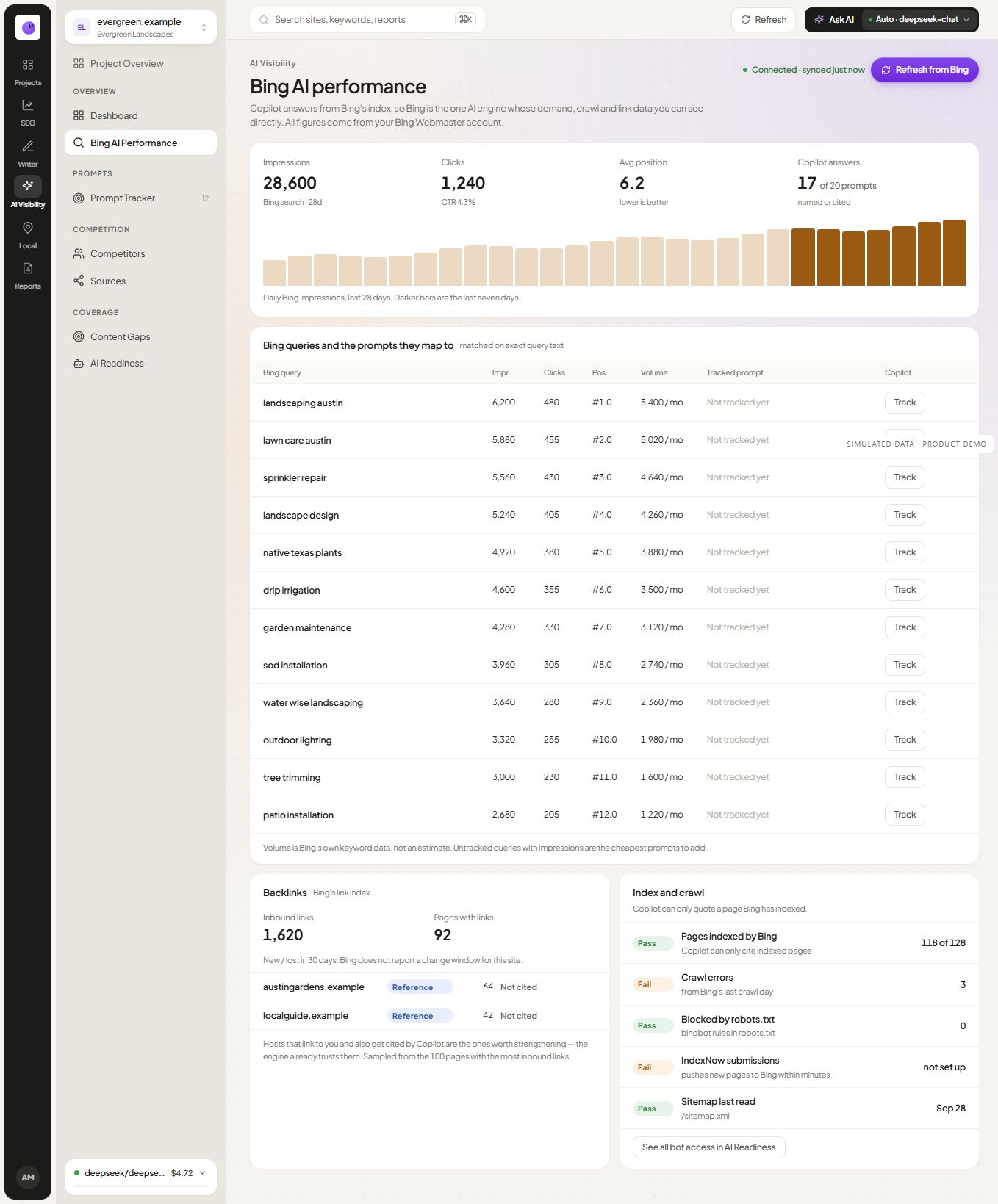
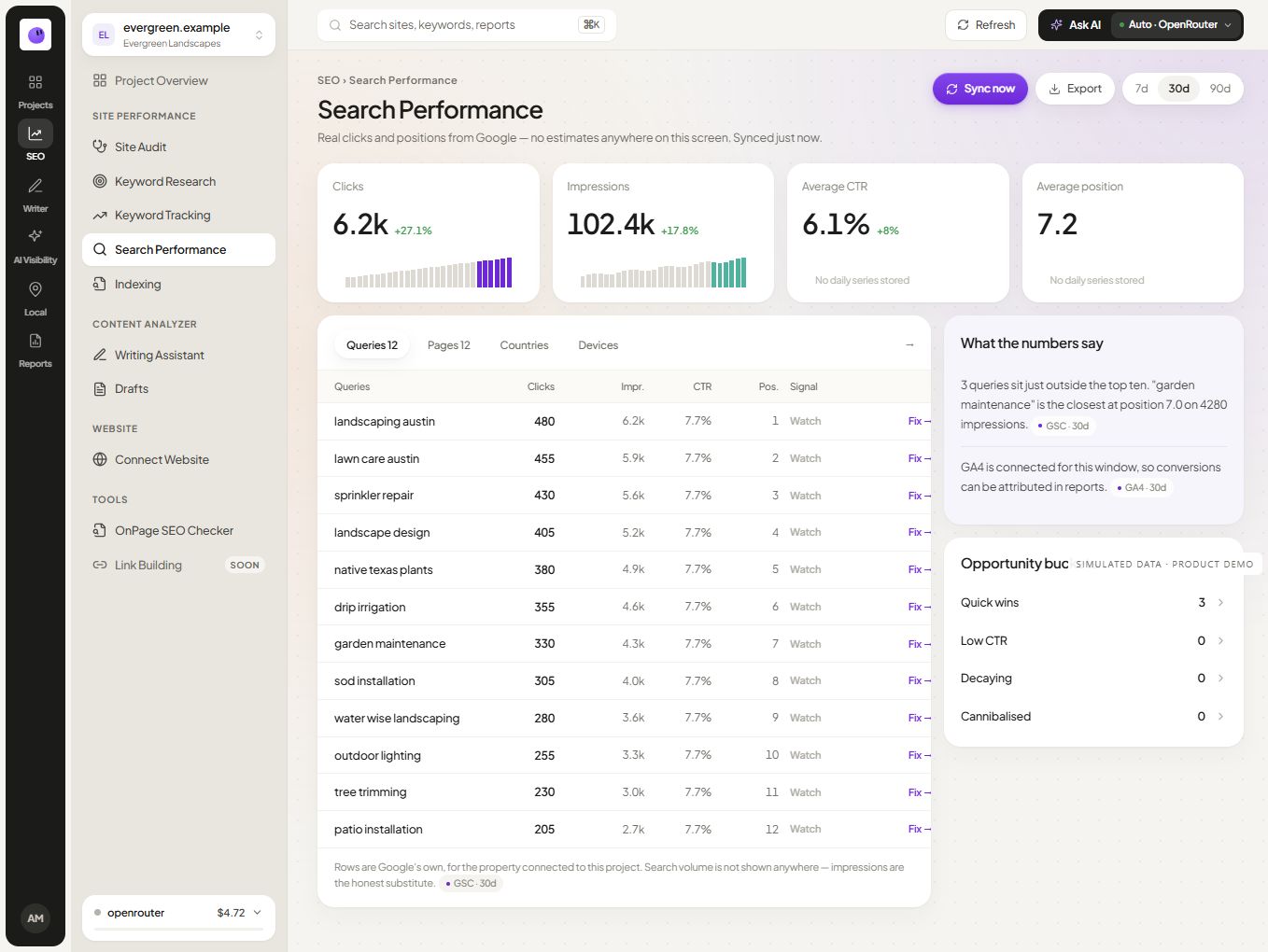
Choose an authorized account and confirm that the selected site matches the project. Check the returned data and reporting period before using it in a client update.
Investigate a defined question
Begin with the page or query theme you need to understand. Use the supported measurements to identify a useful investigation, then inspect the page itself. Search-source data should lead to a question you can answer, not an automatic rewrite of every page.
Keep Bing search and AI answer evidence separate
Search performance, a provider response and an observed AI citation are different records. Preserve the source name in the report. Do not infer that a Bing search impression means a page was cited by an AI assistant.
Report the scope honestly
Include the period, website and any relevant missing data. If the connection needs attention, resolve the source problem before interpreting a missing series as a performance decline.
Explore the SEO workflow for follow-up work and the AI visibility guide for measuring answer samples separately.