Confirm the business record
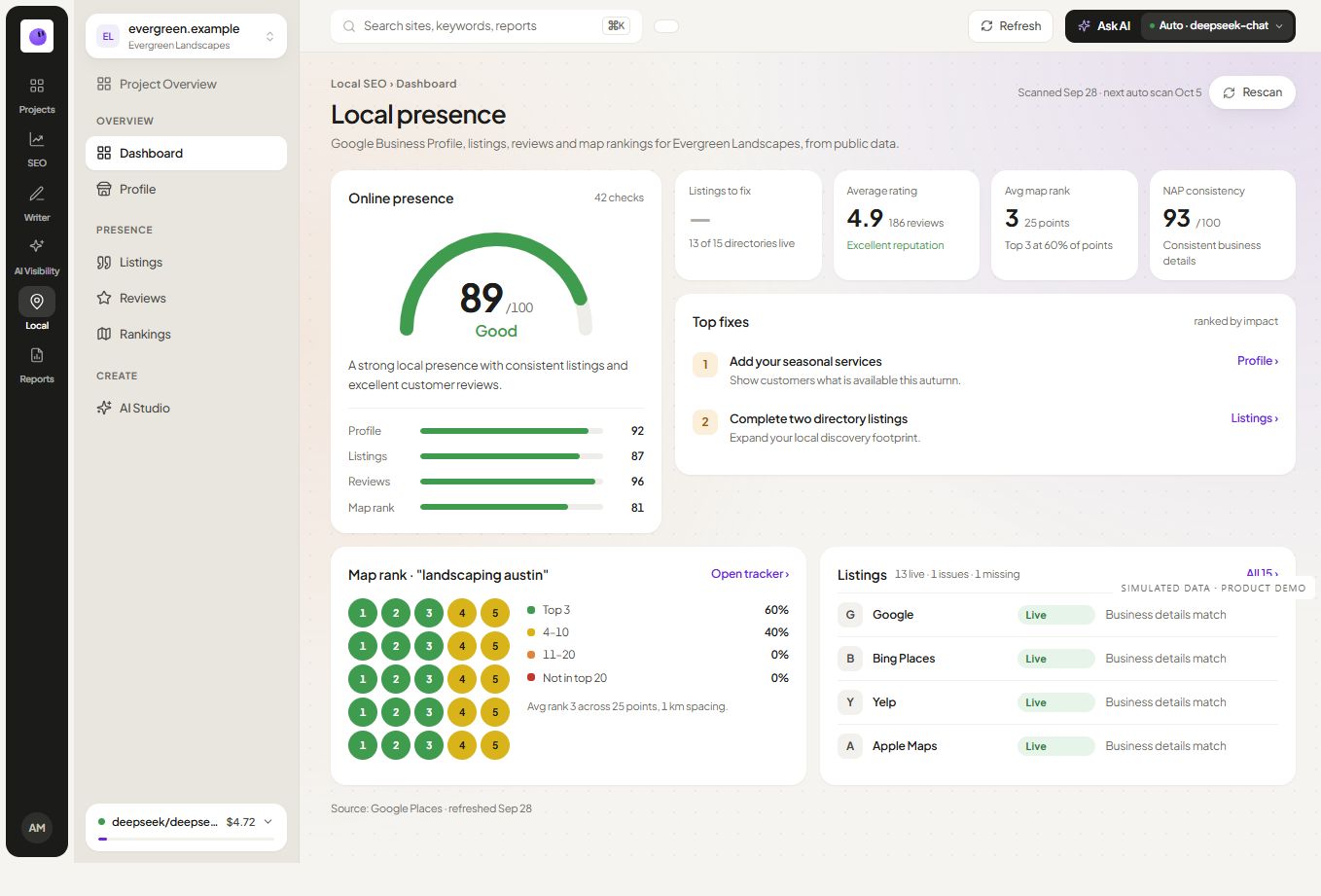
Start with the correct public listing, website and location. A similarly named business or duplicate entry can make an otherwise careful report misleading. Record the details that identify the location before interpreting performance.
Define the search area
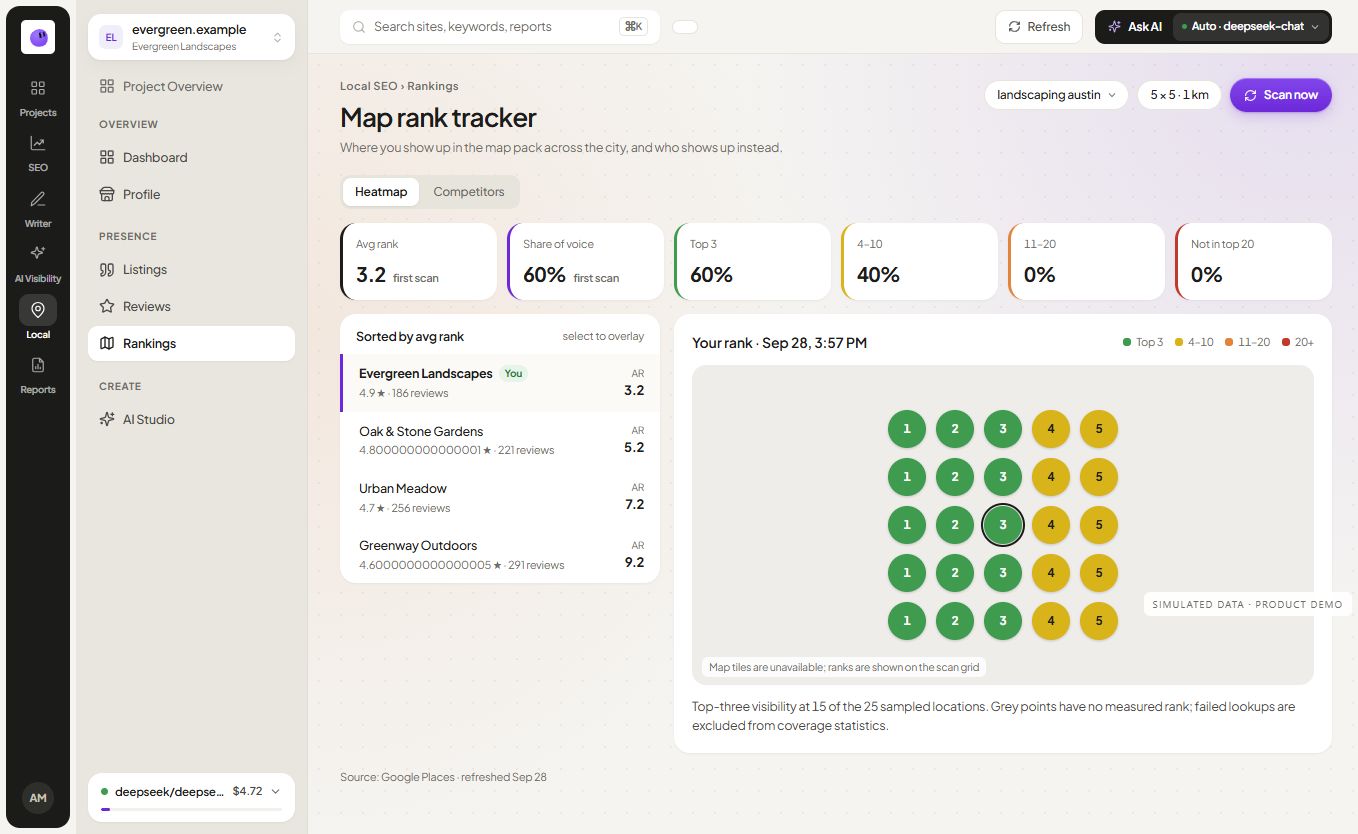
Local results can vary across an area. When using local rank tracking, preserve the keyword, location settings and check date. Avoid describing one position as the business's rank everywhere in the city.
Investigate the next action
A service page may lack clear coverage details. A public listing may show inconsistent information. An observed ranking change may need another check. Assign the action to the surface where it belongs and confirm the problem before editing.
Explain the limits of the source
Public listing details do not provide private Google Business Profile performance. Direct Google Business Profile account access is not currently enabled in RankZap. Do not describe public listing data as owner-only calls, messages or profile interactions.
Bring the findings into the report
Use local SEO reporting to explain what was checked, the location involved and the action taken. Keep website inquiry data separate from ranking observations unless there is evidence connecting them.
For a client portfolio, organize each location's context in the workspace and link to the relevant project. A useful local report makes the scope obvious before the reader reaches the metrics.