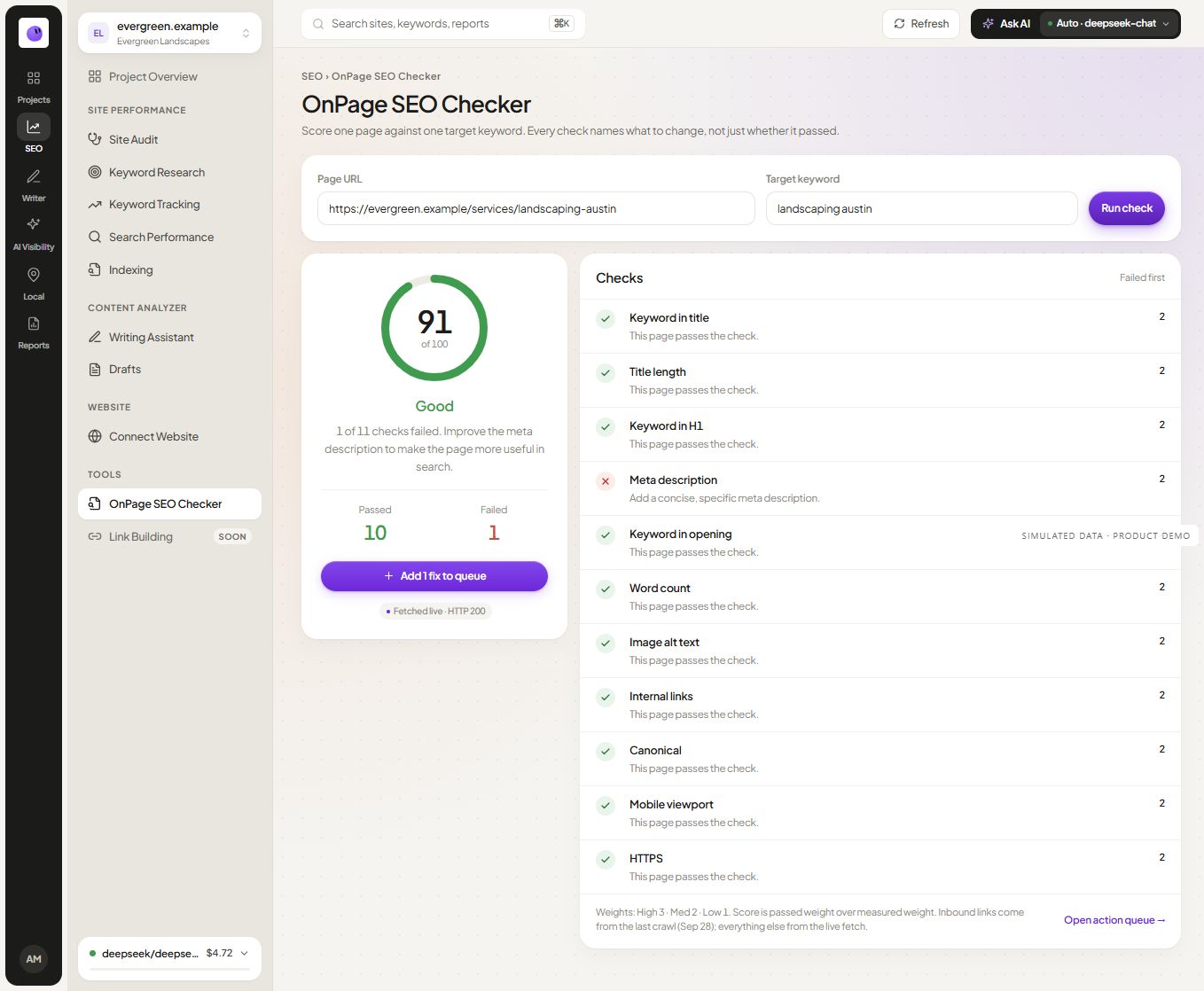
This is a documentation-based shortlist prepared by RankZap. It is not a hands-on benchmark, and the order is not a performance ranking. Publisher documentation and listings were reviewed on October 1–2, 2026. Check the current listing before installing because features, permissions and account requirements can change.
A practical shortlist
| Extension | Documented starting use | What to verify for your needs |
|---|---|---|
| Page Audit | Inspect on-page information and keyword use | Whether the reported page view matches the evidence you need |
| MozBar | Inspect page information and access Moz metrics under applicable account tiers | Which metrics require an account or subscription |
| Ahrefs SEO Toolbar | Inspect on-page information, redirects and links | Which functions and metrics are included in your available access |
| Detailed SEO Extension | Inspect headings, structured data and technical page information | Whether the detected tags match the actual page context |
| Keywords Everywhere | Research keyword demand while browsing | Which metrics require paid access and which market they describe |
Page Audit: a starting point for page inspection
Page Audit's publisher describes title and description inspection, heading structure, links, word counts and a keyword usage map. Its extension page advertises free use without a login. These are publisher statements, not independently measured performance or privacy findings. Review the current Page Audit extension page.
For a content review, try a known page with a clear heading structure. Compare the extension output with the rendered page and source. Decide whether its presentation helps you identify a specific change without treating a word count as a quality verdict.
MozBar: inspect pages with Moz context
MozBar's listing distinguishes guest page inspection from features associated with free accounts and paid access. If domain or page metrics are part of your selection process, confirm the tier required in the official MozBar listing.
A third-party authority metric can provide research context. It is not a Google score or a direct instruction about whether a particular page meets the reader's need. Keep the metric's purpose separate from the on-page finding you are investigating.
Ahrefs SEO Toolbar: page details and technical context
Ahrefs documents on-page reporting, redirect tracing and link-related inspection in its toolbar. Its product page also explains the relationship between toolbar functions and account-based metrics. Check the official toolbar page for the current scope.
For a moved page, test the redirect chain and confirm the final destination in the browser. For a content page, compare the relevant information with the visible document. Choose the tool that exposes the evidence you need clearly enough to verify it.
Detailed SEO Extension: inspect page structure
Detailed documents heading inspection, structured-data viewing, hreflang information and HTTP-header checks. It advertises the extension as free. See the publisher's feature page for current scope. Treat these as documented capabilities, not results of a hands-on test performed for this article.
Use it as a candidate when the task is to inspect how a page is described and structured. Check the actual page before interpreting a detected tag as a problem.
Keywords Everywhere: add keyword-demand context
Keywords Everywhere documents a browser research workflow with a distinction between free features and paid metric access. Its official site identifies search volume, CPC and advertising competition among the paid data. Confirm the current package before expecting those figures from a free install.
This is a different task from inspecting a page's own title or headings. Use the demand estimates to investigate opportunities, and retain their source and market. Do not describe advertising competition as organic keyword difficulty.
Which type should you try first?
| Your immediate task | Candidate category | First verification |
|---|---|---|
| Inspect a page's headings and metadata | Page Audit, Detailed or the documented inspection functions of other candidates | Compare output with the known page |
| Add keyword-demand context while browsing | Keywords Everywhere | Check country, metric definitions and paid requirements |
| Review third-party link or domain context | MozBar or relevant Ahrefs functions | Confirm account entitlement and metric meaning |
| Investigate the whole website | A website crawler rather than only an extension | Verify crawl scope and failed requests |
This shortlist covers several tasks; it does not establish an overall best performer. Installing one useful tool and testing its limits is more informative than collecting several overlapping scores.
Test each candidate on the same task
Use a small set of pages you control: a normal content page, a redirected URL and a page with a deliberate indexing directive. Record the expected behavior before opening the tools.
Check whether each extension identifies the relevant element, explains the scope and provides a usable next step. Note any disagreement with the browser or source. Do not declare a tool inaccurate until you understand which representation it inspected.
Include the everyday workflow in the test: can you find the result quickly, copy the needed evidence and avoid exposing unrelated information in a screenshot? Record any account prompt or limit that interrupts the task.
Review permissions before installing
Read the browser's permission request and the developer's current privacy information. Decide whether the requested access fits your use. A publisher's statement about data handling is useful context but does not replace your organization's requirements or an independent assessment.
Remove extensions you no longer use and keep the installed tools updated. Avoid collecting overlapping tools simply because they have different scores for the same page.
Where RankZap fits
RankZap's available web starting point is the SEO checker, with broader work in the SEO audit workflow. A verified public RankZap extension release is not part of this shortlist. We will only compare an installed RankZap extension after its release and a documented test.
Is a browser extension a complete SEO audit?
An extension is useful for the scope it inspects. A website-wide investigation, private analytics or indexing diagnosis generally requires additional sources and tools.
Should I choose the extension with the most metrics?
Choose the one that supports your recurring task with clear evidence and acceptable access requirements. Extra metrics do not help if their meaning is unclear or they distract from the actual page issue.
Use the technical audit checklist when you need to extend a page inspection into a broader review.
Continue your workflow
Simulated data